Choosing between Notion vs ClickUp is a decision between a flexible canvas and a structured command center. In 2026, both platforms have evolved to become all-in-one workspaces, but they support fundamentally different team cultures. This choice defines whether your work lives in a wiki-driven environment focused on context or an execution-driven environment focused on accountability.
A company’s choice between ClickUp vs Notion often signals its operational maturity. Organizations that prioritize documentation, knowledge sharing, and creative flexibility typically lean toward Notion. Conversely, firms with complex project dependencies, high-volume task execution, and a need for granular reporting find their home in ClickUp. This decision has long-term implications for how your team handles data; once your documentation is in a wiki or your tasks are in a structured hierarchy, the cost of switching is significant due to the operational “muscle memory” developed by your staff.
The right workplace collaboration platform selection should align with your leadership style. If you want a “shared brain” where curiosity and design thinking lead, Notion is the standard. If you need a “control tower” where every minute is tracked and every dependency is clear, ClickUp is the superior architecture. You are choosing the digital ecosystem where your team will align their thoughts and ship their results.
What Does the Quick Decision Summary Reveal?
The choice between Notion vs ClickUp depends on whether you value knowledge management or task execution. Notion is the best office platform decision snapshot for teams that need a highly customizable wiki, flexible databases, and a calm writing experience. ClickUp is the superior productivity suite selection shortcut for operations-heavy teams that require built-in time tracking, advanced automations, and native Gantt charts for multi-step project delivery.
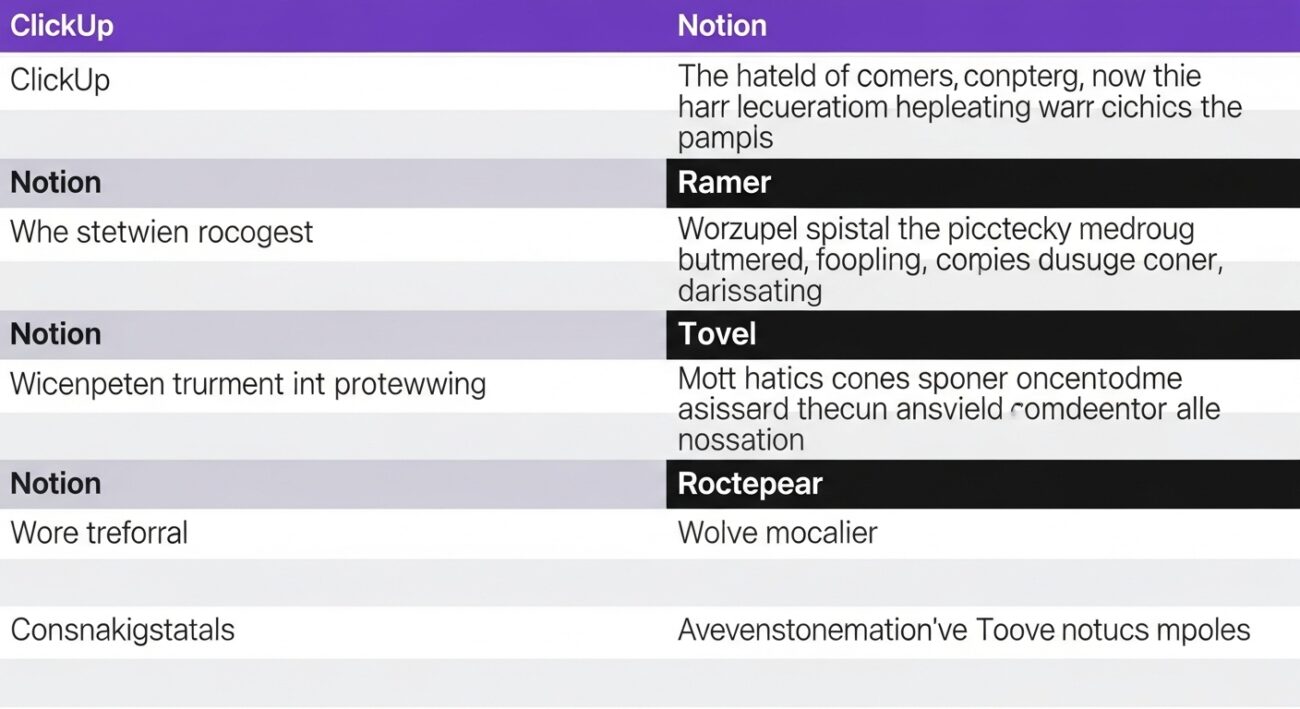
| Feature | Notion | ClickUp |
| Primary Philosophy | Documentation & Knowledge Hub | Project Execution & Delivery |
| Learning Curve | Easy to start, complex to master | Steep initial setup, structured |
| Task Management | Flexible databases (manual setup) | Opinionated (built-in states) |
| Automations | Basic database triggers | Advanced native “when/then” logic |
| Reporting | Manual / Third-party dashboards | Native Dashboards & Workload views |
| Time Tracking | Via integrations or manual fields | Native, built-in tracking |
| Best For | Startups, Creative teams, Wikis | Agencies, Engineering, Operations |
What Exactly Is Notion?
Notion is a cloud-first productivity suite designed as a flexible canvas of blocks. It is not just a project manager; it is a browser-based office platform that allows you to build your own tools. Everything in Notion is a page, and pages can be nested infinitely. This structure makes it the definitive cloud document collaboration ecosystem for companies that value a “single source of truth” for their company wikis, meeting notes, and internal playbooks.
For a leader, Notion represents a real-time collaboration software that invites reflection and exploration. Its relational databases are powerful for tracking structured information, like a CRM or an editorial calendar. However, because Notion gives you a blank slate, you must invest time in “architecting” your system. It is best for teams that want a “quiet” workspace where documentation drives execution, rather than the other way around.
What Makes ClickUp Unique?
ClickUp is a comprehensive enterprise productivity suite built as a “work operating system.” While Notion gives you bricks to build a house, ClickUp gives you a fully furnished home designed for high-performance delivery. It is a desktop and cloud office software ecosystem that prioritizes the “to-do” over the “to-know.” Every feature in ClickUp—from its hierarchy of Spaces, Folders, and Lists to its native time tracking—is geared toward moving tasks through a pipeline.
This corporate office software ecosystem is designed for accountability. It offers a “command center” view where executives can see exactly who is overloaded and which projects are at risk of missing a deadline. ClickUp includes features that Notion typically lacks out of the box, such as built-in Gantt charts, goal tracking, and native chat. It is the preferred choice for organizations that manage thousands of moving parts and need enterprise collaboration infrastructure that scales without becoming messy.
How Do Their Features Compare in Practice?
When you compare business suite features, you see two different ways of defining a “task.”
How Is Email and Task Integration Handled?
ClickUp allows you to send and receive emails directly within a task, keeping all communication in one place. Notion requires you to copy-paste or use integrations to link emails to pages. For teams managing external clients, ClickUp’s native email view is a significant efficiency gain.
Which Offers a Better Document Editing Experience?
Notion is widely considered to have a superior writing experience. Its block-based editor is clean, fast, and beautiful. ClickUp Docs have improved significantly and are now tightly linked to tasks, but they still feel like an “add-on” to a project tool rather than a primary writing environment.
How Do Databases Compare to Task Lists?
Notion vs ClickUp is a battle between relational databases and task lists. Notion’s databases are more flexible for non-task data (like a research library). ClickUp’s “List View” is basically a spreadsheet optimized for work, with built-in calculations for time and progress that are easier to set up for project management.
How Do They Differ in Storage and File Sharing?
Notion acts as a digital filing cabinet where files are embedded in context on a specific project page. ClickUp handles files as task attachments or inside a “Doc” view. If your primary goal is finding a specific document months later, Notion’s wiki structure is usually more intuitive.
What Are the Admin and Security Differences?
Notion is easier for a non-technical person to manage. ClickUp’s admin console is much deeper, offering more enterprise IT policy depth, but at the cost of higher administrative overhead. Both offer enterprise-grade encryption and GDPR compliance.
What Should You Know About Pricing and ROI?
Understanding per user software pricing for these tools requires looking at the total cost of your tech stack.
Notion offers a simple tier system: Plus ($10/user), Business ($15/user), and Enterprise. Its AI features are a $10/user add-on. For a small team, Notion is often the more affordable entry point because you don’t need to pay for extra project management power you might not use.
ClickUp pricing is structured as Unlimited ($7/user), Business ($12/user), and Enterprise. While the base prices are lower, ClickUp’s AI and other advanced modules can drive the price up. However, the productivity suite cost scaling in ClickUp often looks better because it includes time tracking and automation tools that you would otherwise have to buy separately.
Which Platform Is Better for Your Team Size?
Your business software selection framework should be based on your company’s stage and complexity.
- Early Stage (0–20 people): Choose Notion. You need flexibility and a low cost. Founders can build a wiki that grows with their ideas without being slowed down by complex project hierarchies.
- Growth Stage (20–100 people): Choose a Hybrid. Many teams at this stage use Notion for their company wiki and ClickUp for their engineering or marketing delivery.
- Scaling Stage (100–300 people): Choose ClickUp. You need accountability and reporting clarity. Knowing exactly where a bottleneck lies in a 500-task project is worth the extra complexity.
Is Migrating Between the Two Difficult?
Do not underestimate the email platform migration complexity of your data. Moving from one to the other is more than just importing a CSV; it is a change in how people work. The workplace software migration cost includes retraining your team. Moving from Notion to ClickUp feels like moving from a journal to a cockpit—there are more buttons and more noise. Moving from ClickUp to Notion feels like moving from a factory to a studio—there is more freedom, but also more responsibility.
Which Tool Is Easier to Use Daily?
In any business software usability comparison, Notion wins on the initial “first hour.” It is inviting and easy to start writing. The office software learning curve for ClickUp is much steeper because of the sheer number of features. However, over the long term, ClickUp can be “easier” because it tells you what to do (look at your Home view). Notion requires more “admin discipline” to keep it from becoming a messy graveyard of outdated pages.
When Should You NOT Choose Notion?
Do not choose Notion if your business relies on strict project deadlines, dependencies, and resource management. If you need to know “who is working on what today” across fifty projects, Notion’s database views will eventually feel too manual and prone to human error.
When Should You NOT Choose ClickUp?
Do not choose ClickUp if you are a creative team that values whitespace and focused thinking. The interface can feel cluttered and overwhelming. Avoid ClickUp if your primary goal is long-form documentation and knowledge sharing; the writing experience is second-rate compared to the calm of Notion.
What Is the Final Verdict?
The business suite final decision comes down to your primary output.
- Choose Notion if you want to build a “Shared Brain” focused on context, curiosity, and high-quality documentation.
- Choose ClickUp if you want to build a “Control Tower” focused on delivery, accountability, and multi-step project execution.
For more insights into the best business tools, visit our Software Comparisons Hub or see how these tools compare to AI assistants in our ChatGPT vs Google Gemini guide. You can also explore creative workflows in our Canva vs Adobe Express breakdown.


