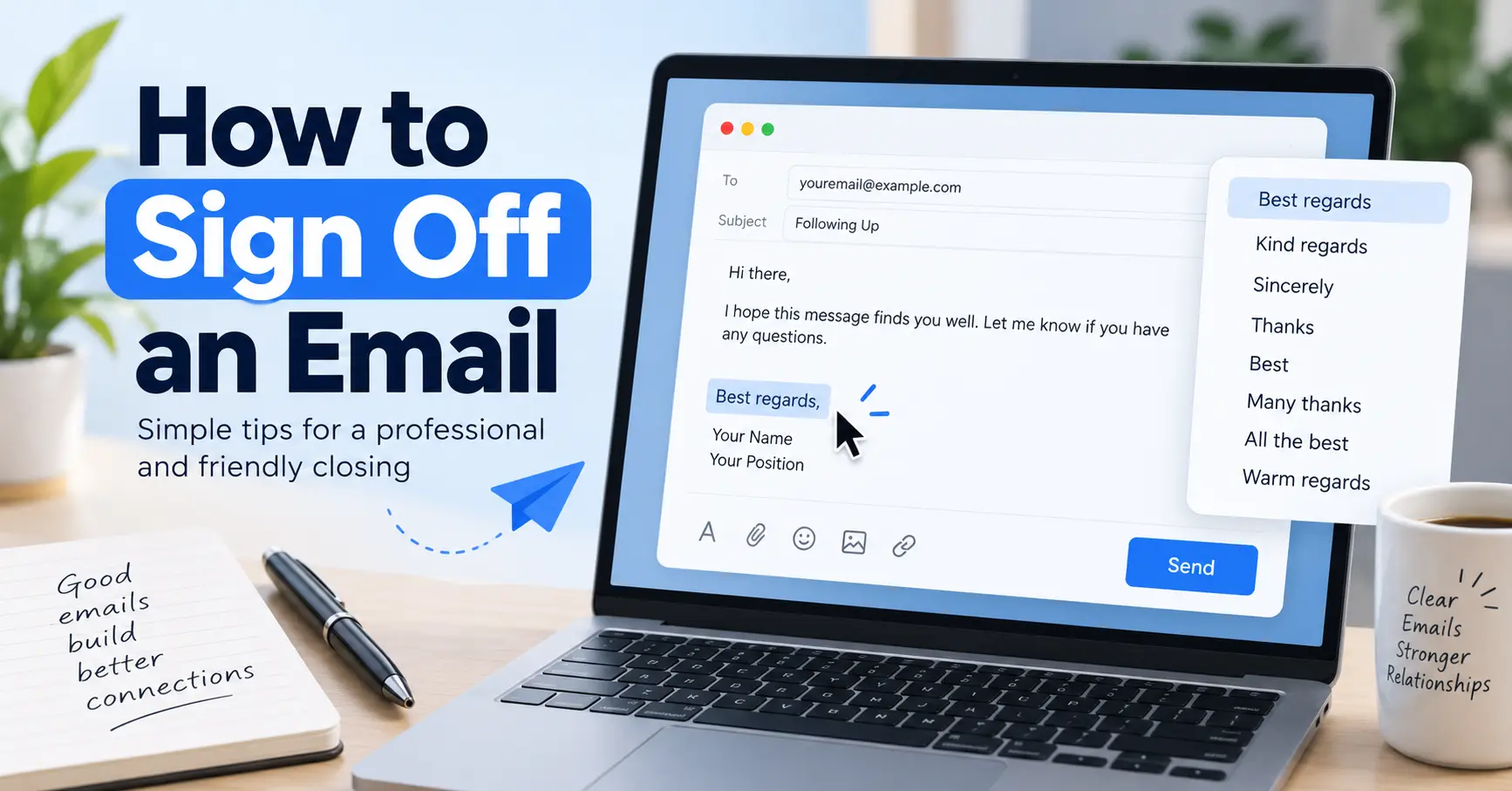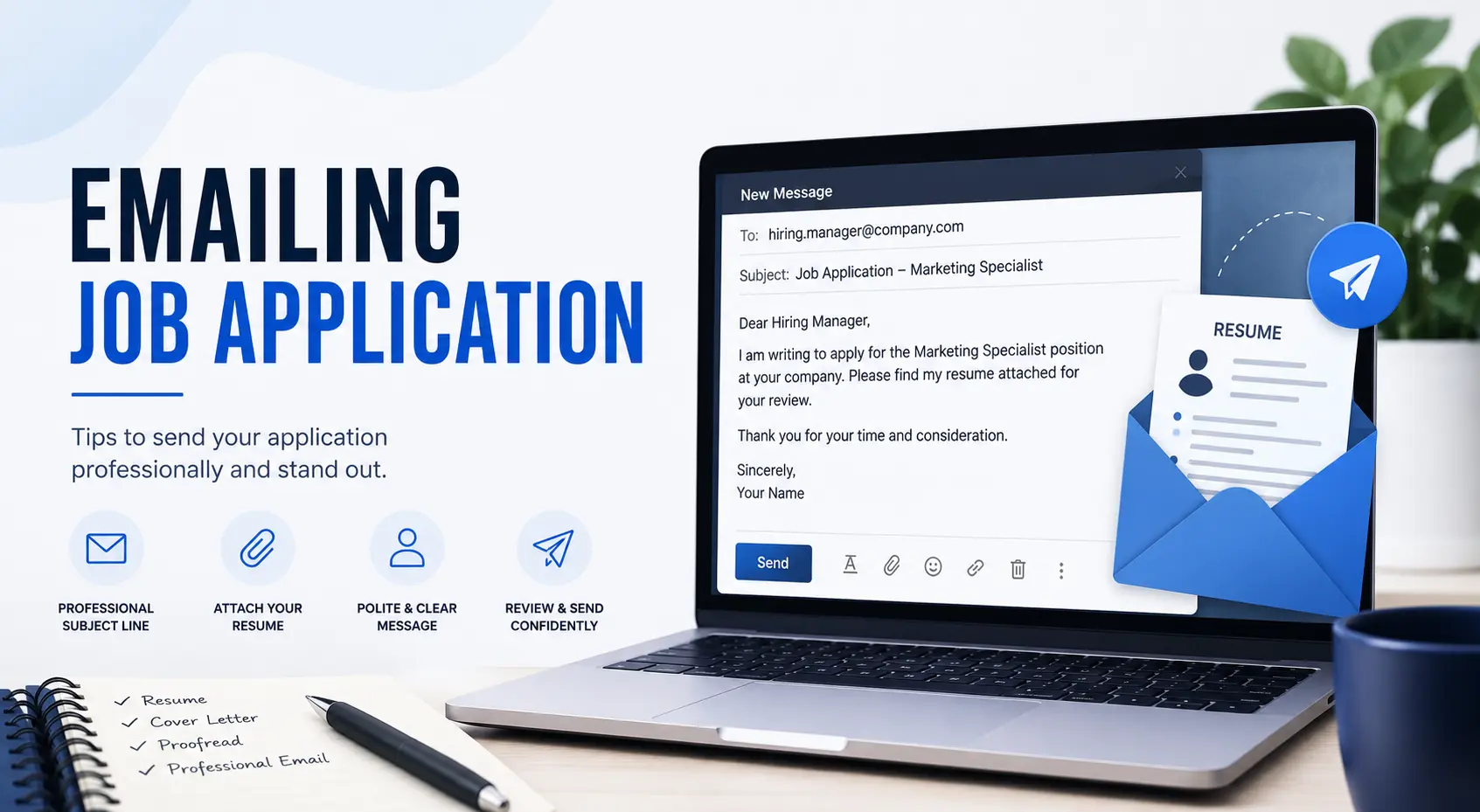
Emailing job application means sending your resume, cover letter, and a short professional message directly to a hiring manager by email. Write a clear subject line with your name and the job title. Keep the email body between 150 and 200 words. Attach your documents as PDFs. Use a professional email address and proofread before you hit send. A well-written email helps you stand out when hundreds of applicants are competing for the same role.
Job seekers today submit an average of 32 to over 200 applications before landing a single offer. The average application-to-interview rate sits at just 2 to 3 percent for generic applications. When a company asks you to apply by email, that email is your first impression. A vague subject line, a casual email address, or a forgotten attachment can end your chances before anyone reads your name.
This guide walks you through every step of emailing a job application correctly. You will get a ready-to-use template, two real-world examples, and practical tips that go deeper than most career guides ever will, especially on the email mechanics side that truly matter.
What Is a Job Application Email?
A job application email is a professional message you send directly to a hiring manager or HR department to apply for a job opening. Unlike applying through an ATS or online job portal, this method puts your email in someone’s actual inbox, where a real person reads it.
Some companies ask for email applications specifically. Others prefer it for roles that are not listed on a job board. Either way, your email acts as both a cover letter and a formal introduction. It needs to be brief, professional, and direct.
What Should You Include in a Job Application Email?
A complete job application email has seven core parts. Each one plays a specific role in getting your message read and your documents opened.
- Subject line: States the job title and your name clearly
- Salutation: Addresses the hiring manager by name when possible
- Opening paragraph: Tells the recruiter who you are, what role you want, and where you found the posting
- Qualifications paragraph: Highlights two or three skills that match the job description directly
- Closing paragraph: Mentions your attachments, your availability, and your follow-up intent
- Email signature: Includes your full name, phone number, email address, and LinkedIn profile link
- Attachments: Resume and cover letter saved as PDFs with clear, professional file names
Tip: 95 percent of candidates research the company before applying, so make sure your email body reflects that you have done the same. If the job posting requests a portfolio or work samples, include those as a separate attachment and mention them in your closing paragraph.
How to Email a Job Application: 8 Steps
Follow these eight steps in order. Each one builds on the last, and skipping any step can hurt your chances with the recruiter reading your message.
Step 1: Use a Professional Email Address
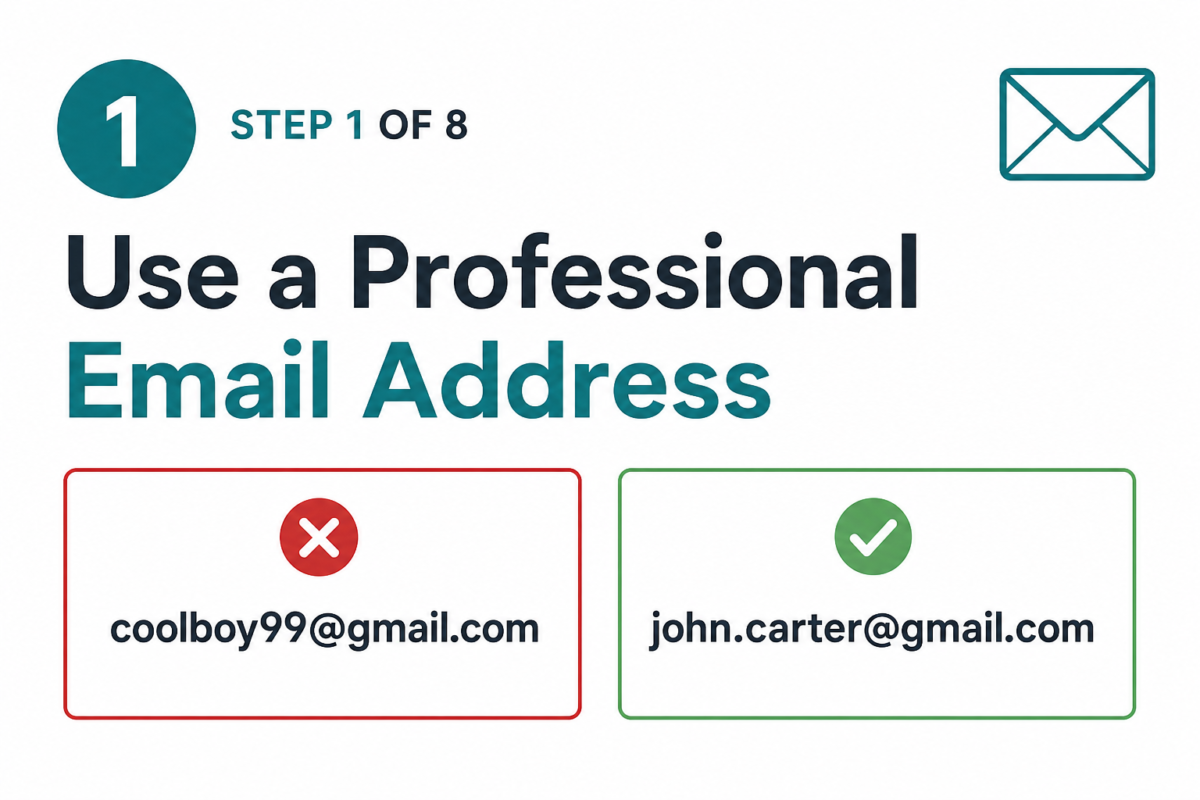
Your email address is the first thing a hiring manager sees. A professional email follows the format [email protected]. Avoid nicknames, birth years, or anything informal.
If your current email address is casual or unprofessional, create a new one before you apply. This one detail can make a strong difference in how seriously a recruiter takes your application. You can use EmailSorters to set up a clean, professional email address before you start applying.
Step 2: Write a Clear, Specific Subject Line
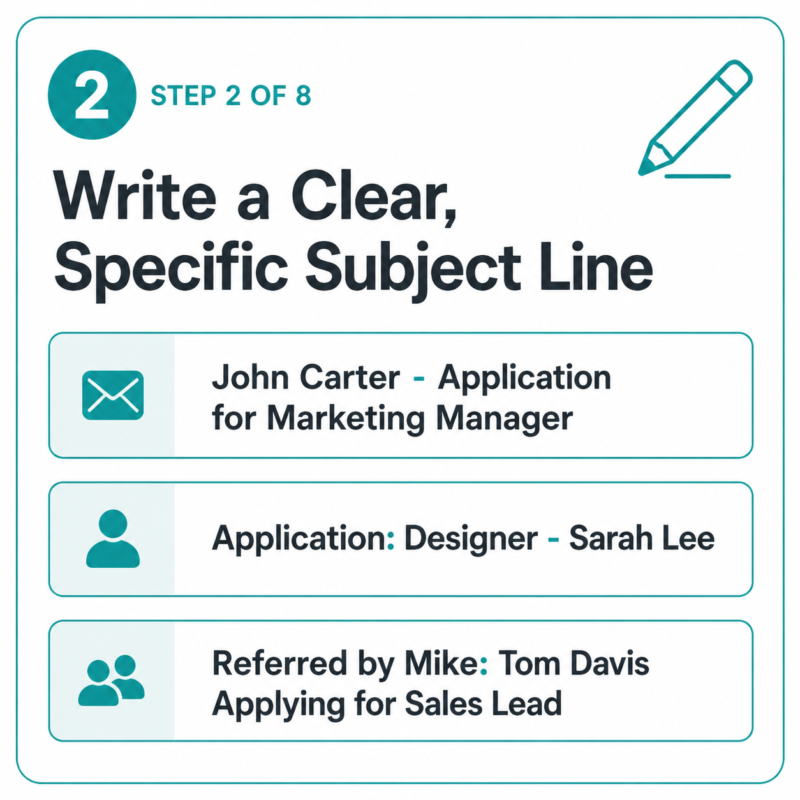
Your subject line is the gateway to your email. If it is vague, the recruiter may skip it entirely. Recruitment emails with personalized, specific subject lines reached their highest open rate in six years in early 2025, sitting at 39.10 percent.
Use one of these proven subject line formulas:
- [Your Name] – Application for [Job Title]
- Application: [Job Title] – [Your Name]
- Referred by [Name]: [Your Name] Applying for [Job Title]
Always include the job reference number if the posting lists one.
Step 3: Prepare Your Documents
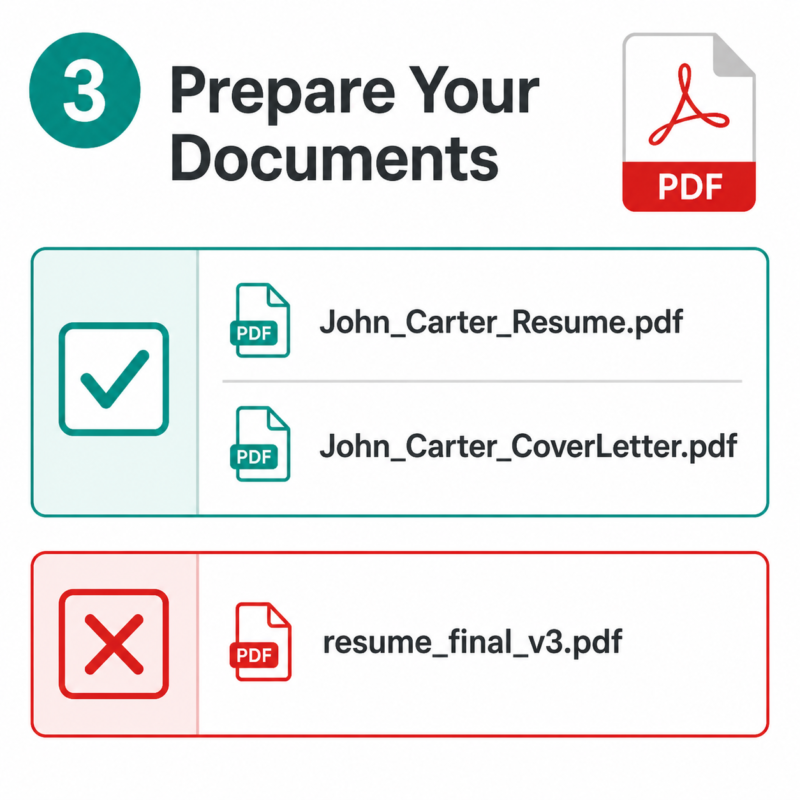
Before you write a single word of your email body, get your documents ready. Save your resume and cover letter as PDFs. PDFs preserve your formatting on every device and work with most applicant tracking system software.
Name your files clearly. Use a format like FirstName_LastName_Resume.pdf and FirstName_LastName_CoverLetter.pdf. A messy file name like resume_final_v3.pdf looks careless to a recruiter.
Step 4: Write a Professional Salutation
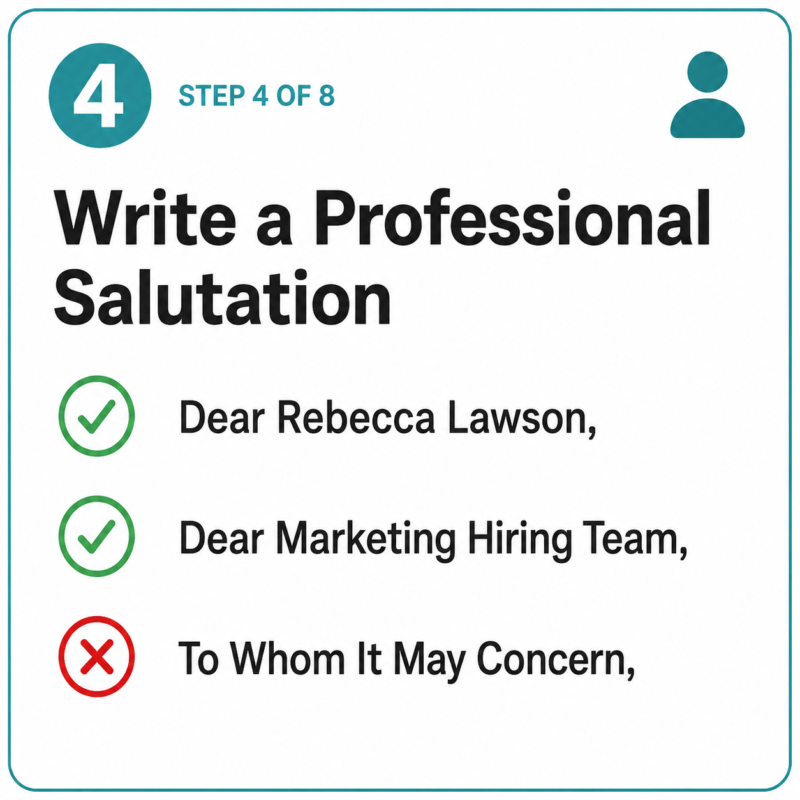
Address the hiring manager by their full name whenever possible. Use “Dear [First Name Last Name]” as your standard format.
If you cannot find the name, try these options:
- Check the job posting for a contact name
- Look up the hiring manager title on LinkedIn
- Use “Dear [Department Name] Hiring Team” as a fallback
Avoid “To Whom It May Concern” unless you have truly exhausted every search option.
Step 5: Compose the Email Body
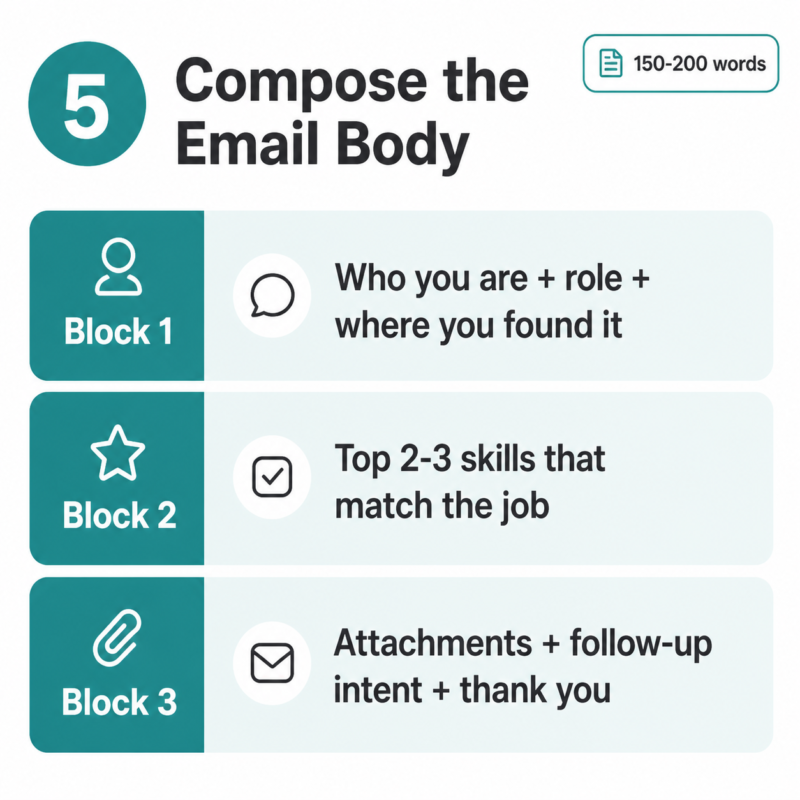
This is the heart of your job application email. Keep it between 150 and 200 words. A longer email starts to look like a second resume and recruiters often skim past it.
Structure your body in three short paragraphs:
Paragraph 1: State your name, the role you are applying for, and where you found the job posting. If someone at the company referred you, mention them here. This shows you are direct and organized.
Paragraph 2: Highlight two or three skills or experiences that align with the job description. This is where skills-first framing matters. Do not copy resume bullet points word for word. Instead, connect your experience to a specific need the company has. Recruiters in 2026 increasingly prioritize demonstrated skills over credentials alone.
Paragraph 3: Mention that your resume and cover letter are attached. State that you are available to discuss next steps. Thank the reader for their time in one short sentence.
Step 6: Add Your Email Signature
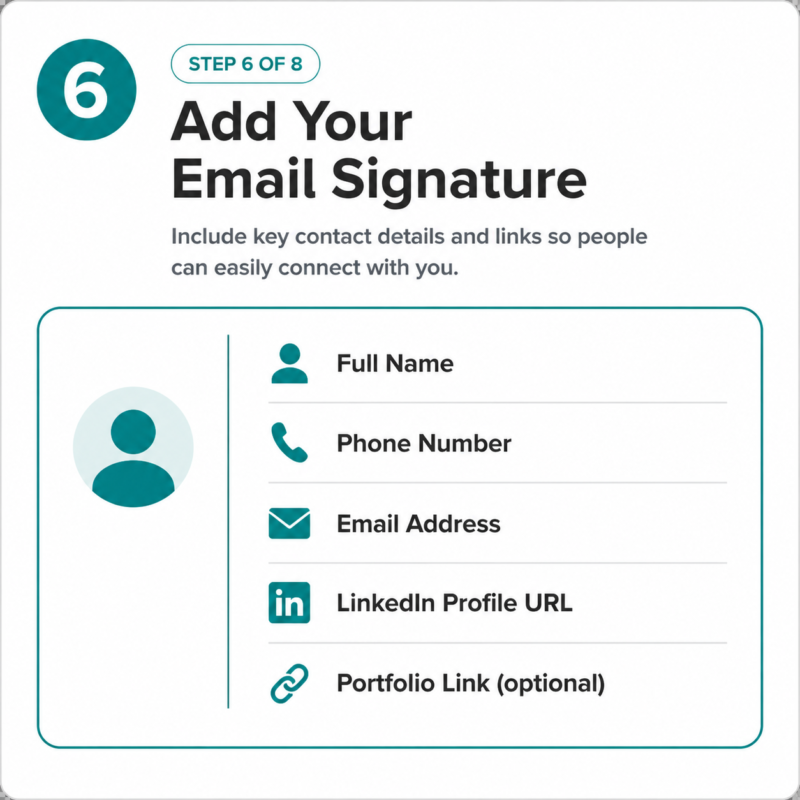
End your email with a complete professional signature. This gives the recruiter every tool they need to reach you quickly.
Your signature should include:
- Full name
- Phone number
- Professional email address
- LinkedIn profile URL
- Portfolio link if relevant to the role
Step 7: Attach Your Documents First
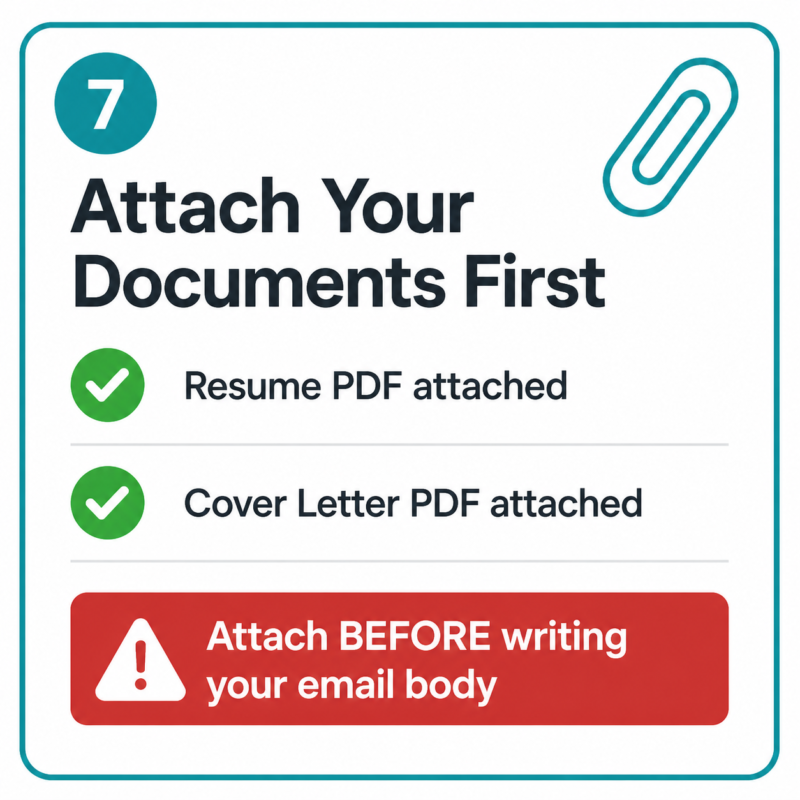
This step sounds simple but it is one of the most common mistakes job seekers make. Attach your resume and cover letter before you begin writing your subject line or body. That way, you cannot forget them.
Double-check that you have attached the right files. Sending a blank email or the wrong document requires an embarrassing follow-up and creates a poor first impression with the recruiter.
Step 8: Proofread, Test Send, Then Submit
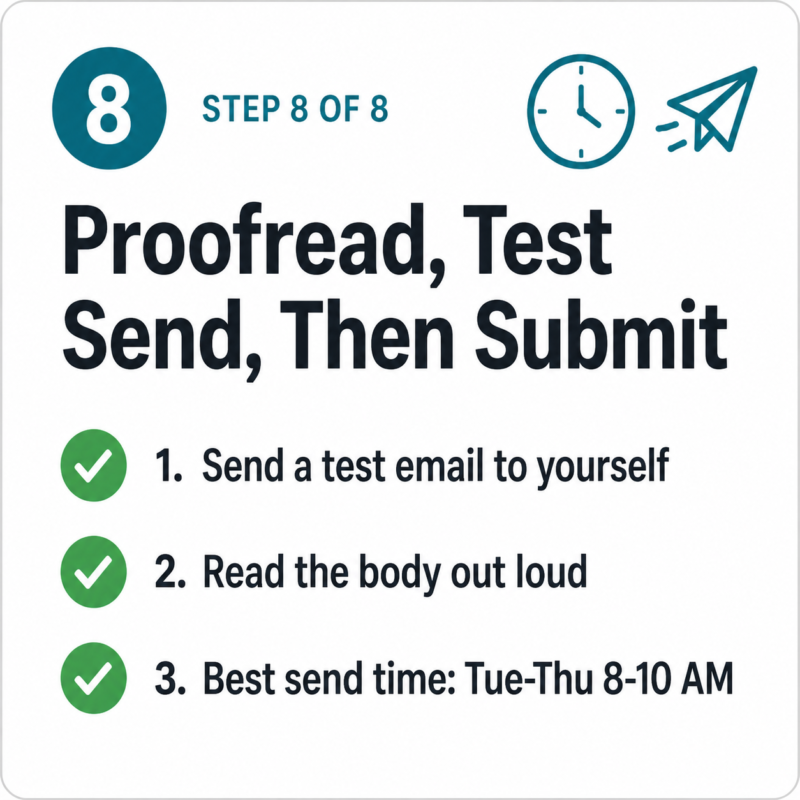
Before you hit send, send a test copy to yourself. Open it on a different device if possible. Check that your attachments open correctly, your formatting looks clean, and your links work.
Read the email body out loud. This helps catch awkward sentences and grammar errors. A fast grammar checker like Grammarly can help too.
The best time to send a job application email is Tuesday through Thursday between 8 AM and 10 AM in the recipient’s time zone. Avoid Monday mornings and Friday afternoons when inboxes are at their most cluttered.
Job Application Email Template
Use this template as your starting point. Replace every bracketed item with your own information. Keep the tone professional but natural.
textSubject: Application for [Job Title] - [Your Full Name]

Dear [Hiring Manager's Full Name],

My name is [Your Name], and I am writing to apply for the
[Job Title] position at [Company Name]. I found this opening
through [Job Board / LinkedIn / Company Website / Referral Name].

I bring [X years of experience / specific skill] in [relevant area],
with a strong background in [second relevant skill]. In my previous
role at [Past Company / Context], I [specific achievement or result
that relates to this role]. I believe this experience makes me a
strong fit for what your team is looking for.

I have attached my resume and cover letter for your review. I would
welcome the opportunity to discuss how my background can support
[Company Name]'s goals. Thank you for your time and consideration.

Best regards,
[Your Full Name]
[Phone Number]
[Email Address]
[LinkedIn Profile URL]
Attachments: [Your Name]_Resume.pdf | [Your Name]_CoverLetter.pdf
Job Application Email Examples
Reading a finished example helps more than any checklist. Here are two complete examples, one for an entry-level applicant and one for an experienced professional.
Example 1: Recent Graduate Applying for a Marketing Role
Subject: Application for Junior Marketing Coordinator - Sarah Ahmed

Dear Ms. Rebecca Lawson,

My name is Sarah Ahmed, and I am applying for the Junior Marketing
Coordinator role at Brightline Digital. I found the listing on
LinkedIn last week.

I recently completed a Bachelor's degree in Communications and spent
six months as a content intern at a local media agency, where I
managed three social media accounts and grew combined follower counts
by 22 percent. I am skilled in content planning, basic SEO writing,
and social media scheduling tools including Hootsuite and Buffer.
These skills align directly with the responsibilities listed in your
job description.

My resume and cover letter are attached as PDFs for your review. I
would love to connect and learn more about the role. Thank you for
your time.

Best regards,
Sarah Ahmed
+880 17XX XXX XXX
[email protected]
linkedin.com/in/sarahahmed
Example 2: Experienced Professional Applying for a Project Manager Role
Subject: Application for Senior Project Manager - Daniel Osei

Dear Mr. James Kofi,

I am Daniel Osei, and I am writing to apply for the Senior Project
Manager position at Apex Solutions Group. A colleague at your
organization, Maria Torres, suggested I reach out directly.

Over the past seven years, I have led cross-functional teams of up
to 15 people, delivering projects on time and under budget across
fintech and logistics sectors. In my current role at Northgate
Consulting, I reduced average project delivery time by 18 percent
by introducing a new workflow system. I am PMP-certified and
comfortable with Jira, Asana, and Trello.

I have attached my resume and cover letter for your consideration.
I am available for a call or interview at your convenience and look
forward to discussing how I can contribute to your team.

Best regards,
Daniel Osei
+44 7XXX XXX XXX
[email protected]
linkedin.com/in/danielosei
Tips for Writing a Stronger Job Application Email
These six tips go beyond the basic steps and help your email stand out in a crowded inbox.
- Personalize every email. A generic message is easy to spot. Reference something specific about the company, the team, or the role in your qualifications paragraph.
- Do not rewrite your resume. Your email body should add context to your resume, not repeat it word for word. A recruiter who reads the same bullet point twice learns nothing new.
- Mention a referral in the first line. If someone at the company told you about the role, say so immediately. Referred candidates often get faster responses.
- Avoid vague subject lines. Subject lines like “Job Application” or “Inquiry” give the recruiter no useful information. Be specific every time.
- Double-check the recipient’s email address. Sending to the wrong address wastes your effort entirely. Read the address twice before submitting.
- Keep your tone professional but human. Write as if you are speaking to a senior colleague, not a friend and not a robot.
Should You Follow Up After Emailing a Job Application?
Yes. Following up after a job application email is appropriate and often expected by recruiters.
Send your first follow-up email 5 to 7 days after your original message if you have not heard back. Keep it under 100 words. Reference your original email, restate your interest in the role, and ask politely about next steps.
Wait 1 to 2 weeks before sending a second follow-up. Limit yourself to two follow-up attempts total. Sending more than that risks coming across as pushy, which can hurt your standing with the recruiter. Email remains the preferred channel for job search communication, so stick with it rather than calling unless the company specifically invites phone contact.
Your follow-up checklist:
- Reference the date you sent your original application
- Keep the subject line consistent with your first email for easy reference
- Add one short new detail about your interest or qualifications if possible
- Close with a clear but low-pressure request, such as “I would welcome a quick call at your convenience”
Final Thoughts
Emailing a job application is a skill that most job seekers overlook. They spend hours polishing a resume and minutes on the email that delivers it. Getting the email right matters just as much as getting the resume right.
Start from a position of strength. Use a clean professional email address. Write a subject line that gives the hiring manager a reason to open it. Keep your body focused on two or three skills that match exactly what the company needs. Attach your documents as PDFs with professional file names. And always, always proofread before you hit send.
Every detail in your email sends a signal. A crisp subject line says you are organized. A personalized salutation says you did your research. A short, confident body says you respect the reader’s time. Put those signals together and your email application stands out from the stack.
Your email address is where it all starts. If yours is still tied to a casual account from years ago, now is the time to upgrade it. A professional email address is one of the easiest improvements you can make to your job search today, and it costs you nothing but a few minutes to set up.