The best email clients to replace Gmail in 2026 offer stronger privacy controls, smarter inbox organization, and fewer dependencies on Google. Top-rated options cover a range of use cases. Some are ideal for privacy-focused users, others for iPhone workflows, Windows desktops, or AI-powered inbox management. Most support IMAP, so you can switch gradually without abandoning your existing email address. Choosing the right client depends on your platform, privacy needs, and how you manage email daily.
Gmail is everywhere. With over 1.8 billion active accounts, it processes roughly 30% of the world’s daily email traffic. But despite those numbers, a growing wave of users is actively looking for ways to switch. Maybe you are tired of ads inside your inbox. Maybe Google’s data practices make you uncomfortable. Or maybe you just want a cleaner, faster email workflow that does not tie everything back to your Google account.
If any of that sounds familiar, you are in the right place.
This guide covers the best email clients to replace Gmail in 2026. Each option is matched to a specific use case, platform, and set of priorities, so you can pick the right one and actually make the switch with confidence.
Why Are People Looking to Replace Gmail?
Gmail is a powerful tool. But it comes with real trade-offs that are pushing users toward alternatives.
The biggest frustration is privacy. Google uses your inbox data to serve targeted ads, which means every message you send and receive contributes to your advertising profile. For professionals handling sensitive conversations, that is a serious concern.
Then there is the Google ecosystem lock-in. When you use Gmail, you are also expected to use Google Drive, Google Calendar, Google Meet, and Google Photos. Leaving one service means untangling all of them.
Finally, inbox overload is real. Gmail’s interface has grown more complicated over the years, making it harder to stay organized without add-ons or workarounds. Tools built around inbox management, filtering, and email organization are increasingly attractive to users who deal with high email volume every day.
What Should You Look for in a Gmail Replacement?
The best Gmail replacements share a handful of core qualities. Before picking one, check each option against this list:
- IMAP or SMTP support so you can connect to your existing Gmail account during the transition
- End-to-end encryption or strong privacy policy with no ad-based data collection
- Multi-account email management for users who juggle personal and work inboxes
- Platform availability across iOS, Android, Windows, and macOS
- AI email assistant features like smart triage, inbox summarization, or one-click unsubscribe
- Calendar integration and task management sync
- A clear free vs. paid tier with honest feature limits
Now, here are the top email clients that deliver on those criteria.
The 9 Best Email Clients to Replace Gmail in 2026
These nine email clients cover every type of user, from privacy-focused professionals to iPhone power users to small business owners ready to leave Google Workspace behind.
- Apple Mail: The built-in email client for iPhone and Mac users with privacy protection and zero cost.
- Proton Mail: A Switzerland-based encrypted email service built for users who want full privacy from Google.
- Microsoft Outlook: A professional email client that connects to Gmail and integrates with Microsoft 365.
- Canary Mail: An AI-powered email client that combines end-to-end encryption with smart inbox management.
- Shortwave: An AI-first Gmail replacement that turns your inbox into a prioritized, task-driven workflow.
- Thunderbird: A free, open-source desktop email client from Mozilla with no ads and no data collection.
- Mailspring: A lightweight, modern email client for Windows and Linux users who want a clean Gmail alternative.
- Fastmail: A paid, ad-free email service with fast syncing and built-in Gmail migration tools.
- Zoho Mail: A free business email client that supports custom domains and team accounts with no ads.
1. Apple Mail: Best for iPhone and Mac Users
If you are already on iPhone or Mac, Apple Mail is the most seamless Gmail replacement available. No download required. No subscription needed. It comes built into every Apple device.
Apple Mail connects to your Gmail account via IMAP, which means you keep your existing @gmail.com address while using a completely different app. You do not need to migrate anything on day one.
What makes it stand out is Apple’s Mail Privacy Protection feature. It hides your IP address, blocks email tracking pixels, and prevents senders from knowing when or where you opened a message. These protections work in the background without any setup.
Apple Mail currently holds 60.6% of email client market share, making it by far the most widely used Gmail alternative among real users. For anyone already living in the Apple ecosystem, it is the obvious first choice.
Best for: iPhone users, Mac users, Apple ecosystem households
Price: Free
Platforms: iOS, macOS
Gmail migration: Easy via IMAP
2. Proton Mail: Best for Privacy-First Users
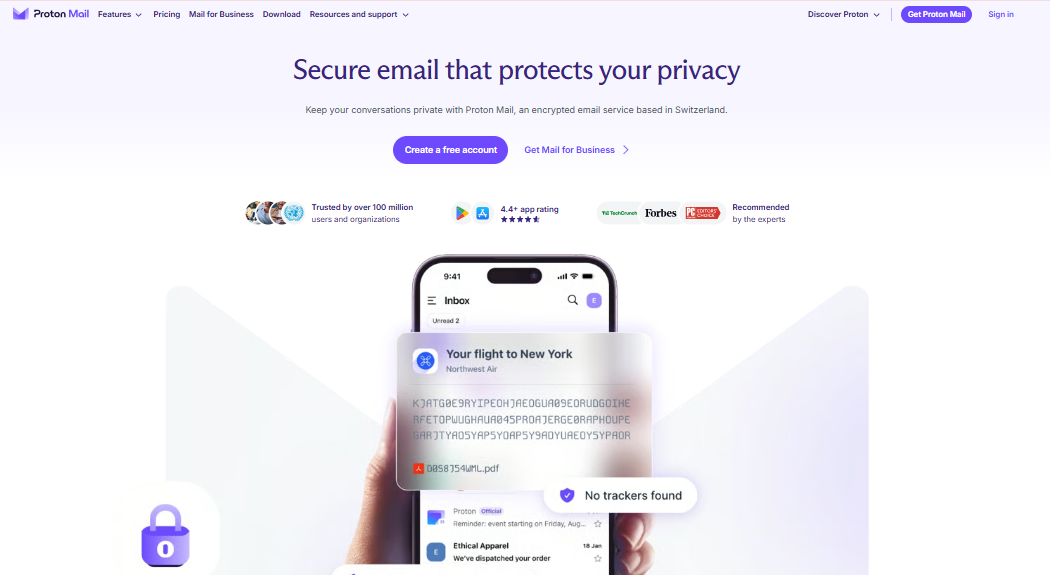
Proton Mail, developed by Proton AG and based in Switzerland, is the gold standard for private email. Every message is protected with end-to-end encryption by default. Proton operates on a zero-knowledge architecture, meaning even Proton itself cannot read your emails.
What has changed in 2026 is that Proton Mail is no longer just an email service. It now includes Proton Calendar, Proton Drive, and Proton VPN, making it a genuine full-stack alternative to the entire Google suite, not just Gmail.
The main trade-off is that Proton Mail requires a new @proton.me address. It does not connect to your existing Gmail account because its encryption model is incompatible with Google’s open IMAP access. That means a real migration is required, not just an app switch.
Proton Mail is GDPR-compliant, Switzerland-based, and referenced by Zapier and Mailmeteor as a top Gmail alternative for 2026.
Best for: Privacy-focused users, journalists, healthcare professionals, anyone leaving Google entirely
Price: Free tier (1GB storage); paid plans from $3.99/month
Platforms: Web, iOS, Android, desktop apps
Gmail migration: Requires new address; Gmail import tool available
3. Microsoft Outlook: Best for Windows and Business Users
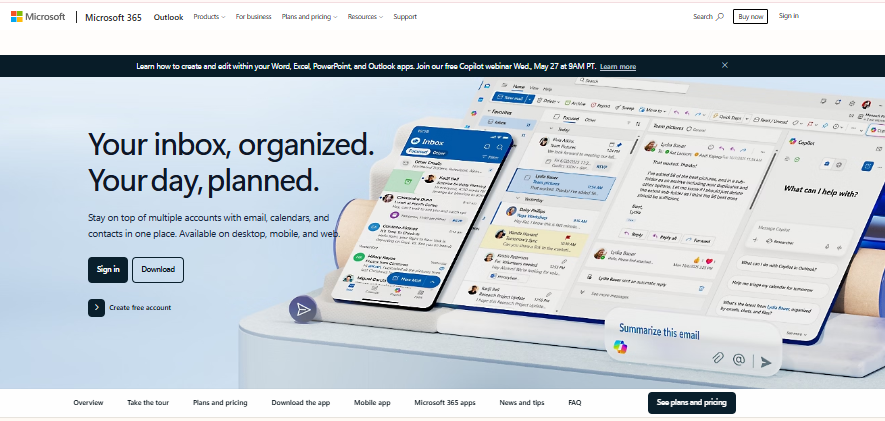
Microsoft Outlook is the most established Gmail alternative for professionals inside a Microsoft environment. It holds around 4% of email client market share globally, but that number significantly understates its dominance in corporate settings.
Outlook connects to Gmail via IMAP, so you can keep your Gmail address while using Outlook as your email client during the transition. It also integrates directly with Microsoft Teams, OneDrive, and Microsoft 365, which makes it the natural choice for anyone already paying for a Microsoft subscription.
The free personal version of Outlook has improved significantly in recent years and works well as a standalone email app, separate from the Microsoft 365 suite.
Best for: Windows users, Microsoft 365 subscribers, business teams
Price: Free personal version; Microsoft 365 starts at $6.99/month
Platforms: Windows, macOS, iOS, Android, web
Gmail migration: Easy via IMAP
4. Canary Mail: Best for AI Features and Encryption Combined
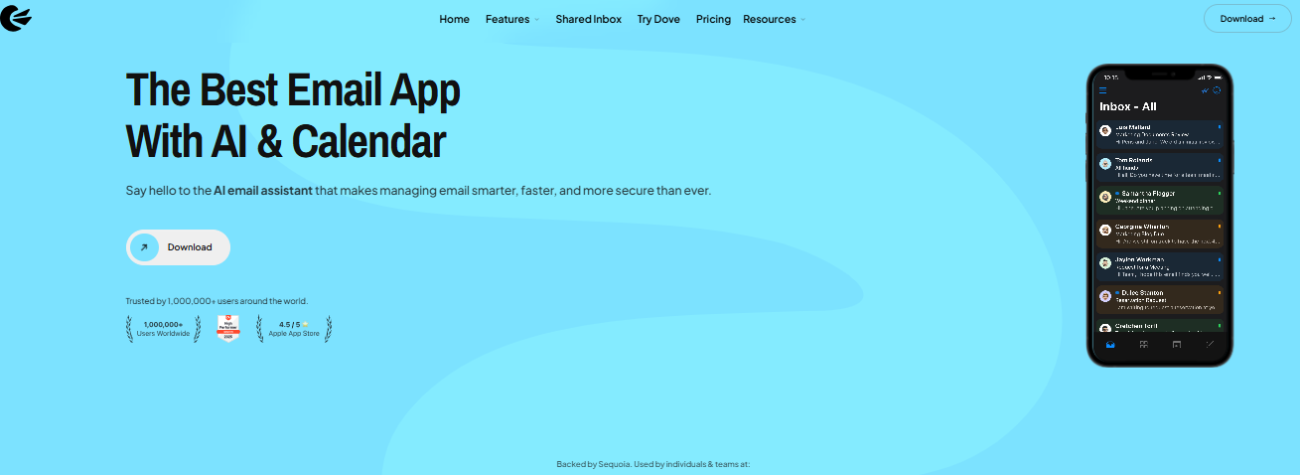
Canary Mail earned PCMag’s top overall email client pick for 2026 for a reason. It is one of the only email clients that combines strong end-to-end encryption (supporting both OpenPGP and S/MIME) with modern AI email assistant features in one clean interface.
The AI capabilities in Canary Mail include inbox summarization, smart email triage, and one-click unsubscribe for newsletters. For users who receive large volumes of email and want better inbox organization without sacrificing security, this is a powerful combination.
Canary Mail connects to Gmail via IMAP and supports multi-account management, so existing Gmail users can plug it in without disrupting their current address.
Full AI features require a paid plan, which is worth knowing before you commit.
Best for: Privacy-conscious users who also want AI inbox management, power users on Mac and iPhone
Price: Paid plan required for AI features; starts around $20/year
Platforms: iOS, macOS, Windows (recent addition)
Gmail migration: Easy via IMAP
5. Shortwave: Best for AI-Powered Inbox Management
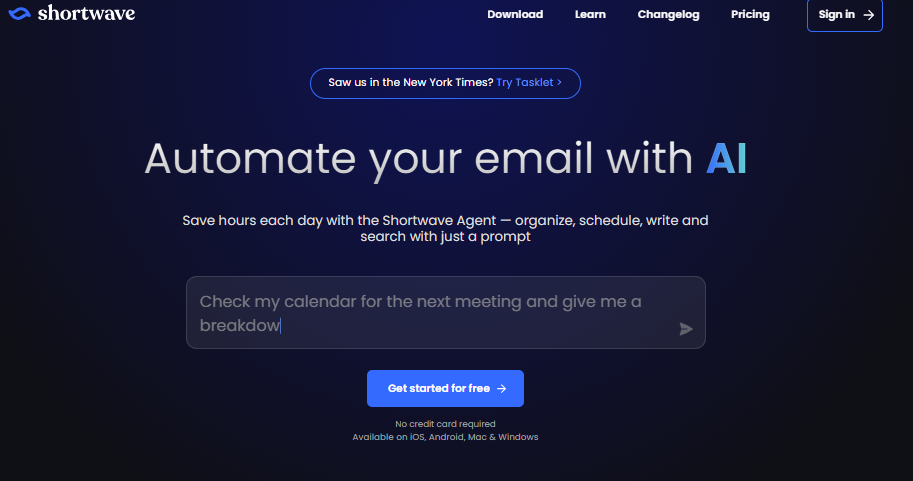
Shortwave was built specifically for Gmail users who love the idea of a smarter inbox. It does not just connect to Gmail via IMAP. It integrates directly with your Google account and reimagines how Gmail works from the ground up.
Instead of a traditional inbox, Shortwave converts your email into a prioritized task-like workflow using AI triage. It groups messages into bundles, surfaces what needs your attention first, and archives the rest cleanly. Think of it as Gmail rebuilt for inbox zero.
Shortwave was named one of Zapier’s top picks for AI-powered Gmail alternatives in 2026. It is best suited for power users and professionals managing high email volume who want smarter email automation without leaving the Gmail ecosystem entirely.
The subscription cost is the main barrier. There is no free plan for ongoing use.
Best for: Power users, professionals managing 100+ emails per day, inbox-zero enthusiasts
Price: Paid subscription required
Platforms: Web, iOS, Android
Gmail migration: Native Gmail integration
6. Thunderbird: Best Free Open-Source Option
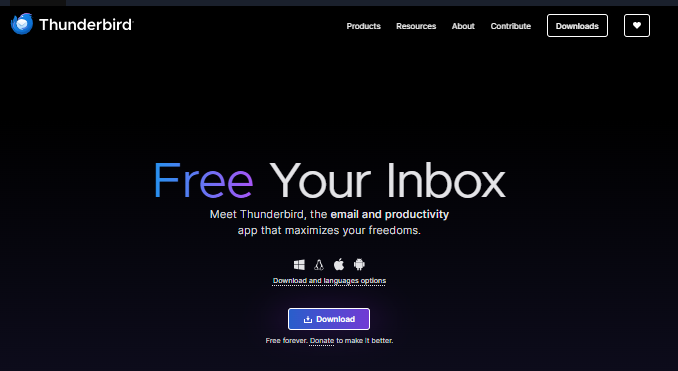
Mozilla Foundation’s Thunderbird is one of the most trusted free email clients in the world. It has been around for over two decades, and in 2026 it remains the go-to recommendation for anyone who wants a full-featured desktop email client with zero cost and zero data collection.
Thunderbird is fully open-source, which means its code is publicly reviewed and no company profits from your inbox data. It supports OpenPGP encryption natively, handles multi-account email with ease, and can be extended with hundreds of add-ons for custom email workflows.
The trade-off is that Thunderbird has no official mobile app, and its interface feels less polished than newer clients. It is best for Windows and Linux desktop users who prioritize function over aesthetics.
Best for: Windows and Linux desktop users, open-source advocates, privacy-focused users on a budget
Price: Free
Platforms: Windows, macOS, Linux
Gmail migration: Easy via IMAP
7. Mailspring: Best Lightweight Option for Windows and Linux
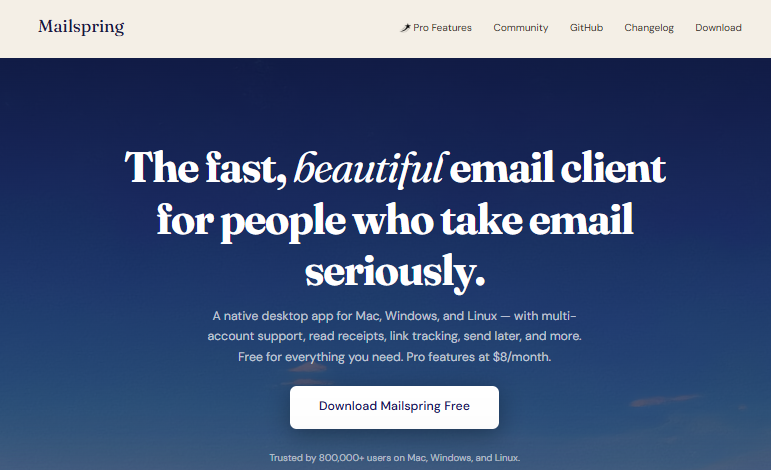
Mailspring hits the sweet spot between Thunderbird’s power and the design polish of newer clients. It has a clean, modern interface, loads quickly, and handles multiple accounts from a single unified inbox.
For users replacing Gmail on a Windows or Linux machine, Mailspring is often the most underrated option. It connects to Gmail via IMAP, supports SMTP configuration, and offers a solid free tier for everyday use. The paid upgrade unlocks email analytics and read receipts, which are useful for sales and professional users.
Unlike Thunderbird, Mailspring has a more beginner-friendly setup process, making it a good choice for users who want desktop email simplicity without sacrificing features.
Best for: Windows and Linux users who want a modern interface without paying a subscription
Price: Free tier available; paid from $8/month
Platforms: Windows, macOS, Linux
Gmail migration: Easy via IMAP
8. Fastmail: Best for Ad-Free, Clean Email Long-Term
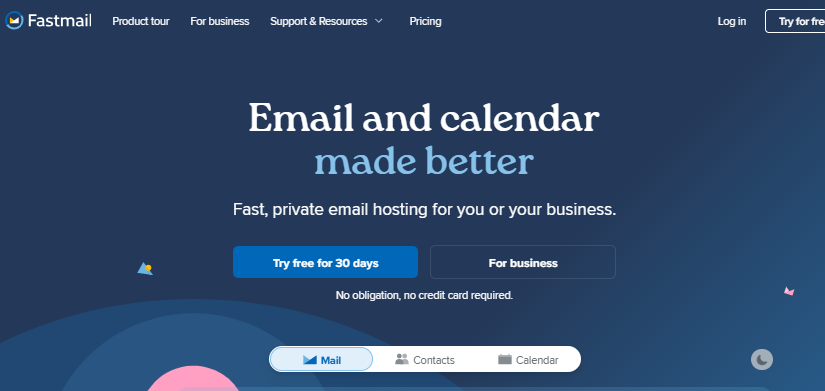
Fastmail is the choice for users who want to fully exit Gmail and never look back. It is a paid-only service, which is actually its biggest selling point. No ads. No data mining. No Google.
Fastmail uses a newer protocol called JMAP, which is faster than traditional IMAP and makes syncing across devices noticeably snappier. It supports custom email domains, comes with a built-in calendar and contacts manager, and offers solid Gmail import tools to bring your full inbox history over.
At $3 to $9 per month depending on the plan, Fastmail is one of the most cost-effective long-term alternatives for users who want a professional, standalone email experience. Multiple competitor roundups in 2025 and 2026 list it as a top choice for users leaving Gmail permanently.
Best for: Users who want a permanent, ad-free Gmail replacement with custom domain support
Price: From $3/month (no free plan)
Platforms: Web, iOS, Android
Gmail migration: Built-in Gmail import tool
9. Zoho Mail: Best Free Business Gmail Alternative
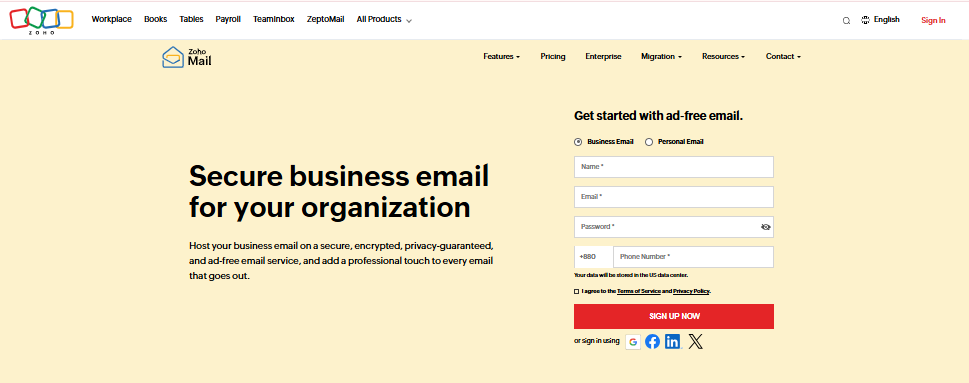
Zoho Mail is the strongest free option for small businesses and freelancers looking to replace Gmail or Google Workspace without paying a monthly fee.
The free plan supports up to five users with 5GB of storage each, includes custom domain support, and has zero ads. For a freelancer running a small team or a startup not ready to pay for business email, that is a genuinely compelling offer.
Zoho Mail is part of the larger Zoho Suite, which includes Zoho CRM, Zoho Docs, and Zoho Meetings. If you are already using any Zoho tools, the email integration is seamless. It connects to Gmail via IMAP for a smooth transition.
Best for: Freelancers, small business owners, early-stage teams exiting Google Workspace
Price: Free for up to 5 users; paid plans from $1/user/month
Platforms: Web, iOS, Android
Gmail migration: Easy via IMAP
Gmail Alternatives at a Glance
Here is a quick comparison of all nine email clients across the key decision factors:
| Email Client | Best For | Platform | Free Plan | Encryption | Gmail Import |
| Apple Mail | iPhone and Mac users | iOS, macOS | Yes | Basic | IMAP |
| Proton Mail | Privacy-first users | All platforms | Yes (1GB) | End-to-end | New address needed |
| Microsoft Outlook | Windows and business | All platforms | Yes | Basic | IMAP |
| Canary Mail | AI plus encryption | iOS, macOS, Windows | No | End-to-end | IMAP |
| Shortwave | AI inbox management | Web, iOS, Android | No | Basic | Gmail-native |
| Thunderbird | Free desktop users | Windows, Mac, Linux | Yes | OpenPGP | IMAP |
| Mailspring | Windows and Linux | Win, Mac, Linux | Yes (limited) | Basic | IMAP |
| Fastmail | Ad-free long-term | All platforms | No | Basic | Import tool |
| Zoho Mail | Free business email | All platforms | Yes (5 users) | Basic | IMAP |
How Do You Switch From Gmail Without Losing Everything?
This is the step most guides skip. Switching email clients feels risky because people are afraid of losing years of email history, contacts, and calendar data. The good news is that you do not have to lose any of it.
Here is how to make the switch cleanly:
Step 1: Export your Gmail data with Google Takeout
Go to takeout.google.com and download your emails, contacts, and Google Calendar data. This creates a full backup of everything in your Gmail account before you start.
Step 2: Connect your new client via IMAP first
Almost every client on this list supports IMAP connection to Gmail. Set this up before anything else. You will be able to see and manage your Gmail inbox inside the new client immediately, without giving up your @gmail.com address.
Step 3: Import your contacts and calendar
Use the exported files from Google Takeout to import your contact list and calendar into your new email service or client. Most platforms support .vcf files for contacts and .ics files for calendar data.
Step 4: Set up Gmail forwarding
If you are switching to a new email address (like Proton Mail or Fastmail), set up forwarding from your Gmail account to your new address. This ensures you do not miss any messages during the transition period.
Step 5: Notify your key contacts
Send a simple note to the people you email most often. Let them know your new address. You do not need to notify everyone at once.
Step 6: Archive Gmail after 60 to 90 days
Give yourself a buffer period. Keep Gmail active in the background while your new client becomes your main inbox. After 60 to 90 days, most users find the transition complete and feel comfortable archiving or disabling their Gmail account.
The key insight here is that you do not have to choose between your old address and a better email experience. IMAP lets you run both simultaneously until you are ready.
Which Gmail Replacement Is Right for You?
Use this quick guide to match your situation to the right tool:
- You use iPhone or Mac: Start with Apple Mail. It is free, private, and already on your device.
- Privacy is your top priority: Choose Proton Mail for full end-to-end encryption, or Canary Mail if you want AI features alongside strong security.
- You are on Windows: Try Mailspring for a modern interface or Thunderbird for maximum control at zero cost.
- You manage a high volume of email: Shortwave’s AI inbox management will transform how you work through your inbox.
- You need free business email: Zoho Mail gives you custom domains, team accounts, and zero ads at no charge.
- You want to fully exit Google: Fastmail is the cleanest, most permanent solution with its own import tools and ad-free model.
- You are in a Microsoft environment: Outlook connects seamlessly to Gmail via IMAP while giving you full Microsoft 365 integration.
Final Thoughts: Time to Take Back Your Inbox
Gmail will always be around, and for many people it works just fine. But if you are reading this guide, you have already decided that fine is not good enough. You want better email privacy, a cleaner inbox workflow, or simply less dependence on Google’s ecosystem.
The good news is that 2026 is the best year yet to make the switch. More clients than ever now offer IMAP compatibility, AI-powered email automation, and smooth migration paths from Gmail. You do not have to start over. You just have to choose the right tool for your situation and take the first step.
If inbox organization matters as much as the client you use, explore our full roundup of the best productivity apps for iPhone for more tools that work alongside your new email setup. Getting your inbox under control is just the beginning of a faster, cleaner digital workflow.


