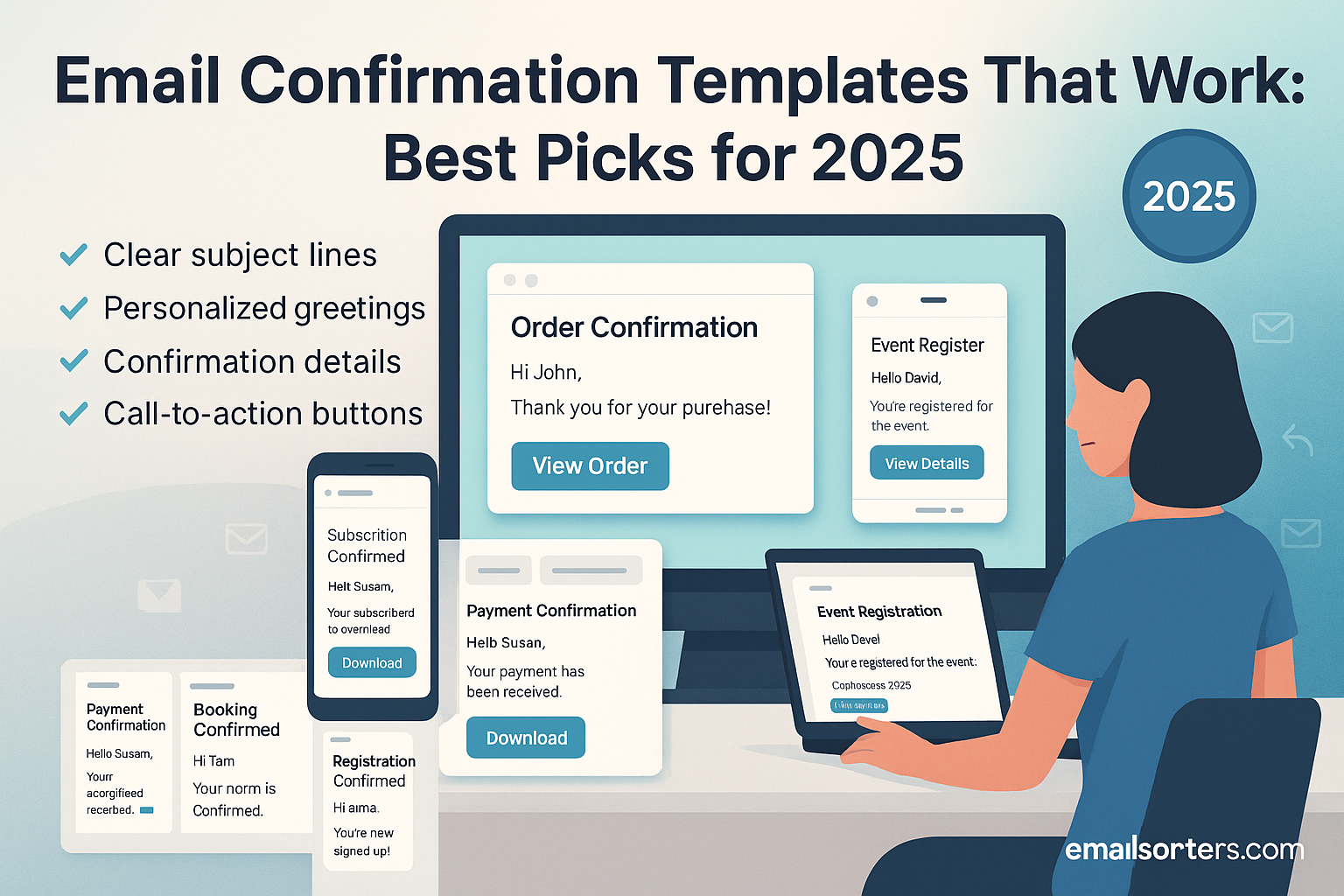
Email confirmation templates have become an essential part of professional communication. Whether you’re confirming an order, an appointment, or a registration, these emails provide reassurance, reduce confusion, and strengthen trust between you and the recipient. In 2025, with inboxes more crowded than ever, crafting a confirmation email that is clear, professional, and effective is key to leaving a positive impression.
This guide explores why confirmation emails matter, what makes them effective, and provides ready-to-use templates for different scenarios.
Why Email Confirmations Matter in 2025
Email confirmations play a bigger role today than many realize. They’re not just receipts or reminders—they’re opportunities to build credibility and enhance the recipient’s experience.
Building Trust with Customers
A confirmation email tells the recipient that their request, payment, or registration has been successfully received. It reassures them that their action was processed correctly. For businesses, this small step fosters trust and helps reduce unnecessary customer support inquiries.
Reducing Confusion and Miscommunication
Without confirmation, recipients are left wondering whether their request went through. A well-structured confirmation email prevents misunderstandings by clearly stating the details, whether it’s an appointment time, a payment amount, or an event date.
Creating a Professional Image
A polished confirmation email reflects professionalism. When the message is well-written and designed, it leaves a positive impression and makes the sender appear organized and reliable.
Key Elements of a Strong Email Confirmation
Not all confirmation emails are equally effective. To create one that works, you should include several essential elements.
A Clear Subject Line
The subject line should immediately indicate the purpose of the email. Examples include “Your Appointment Has Been Confirmed” or “Order Confirmation #3489.” Clear subject lines reduce the risk of the email being overlooked.
Personalized Greeting
Addressing the recipient by name adds a personal touch and makes the email feel less generic. For example, “Hello Sarah,” feels warmer and more professional than “Dear Customer.”
Confirmation Details
The body of the email should include the key information the recipient needs. For an appointment, that might be the date, time, and location. For an order, it could be the order number, items purchased, and estimated delivery date.
Contact Information for Support
Always provide a way for the recipient to reach out if they have questions. Including a phone number or email address for support ensures that help is easily accessible.
A Professional Closing
End the email with a polite and professional closing such as “Best regards” or “Sincerely,” followed by a clean signature. This reinforces professionalism and provides the recipient with your contact information.
Types of Email Confirmation Templates
Different situations require different styles of confirmation emails. Understanding the variations helps you craft messages that fit the context.
Order Confirmation Emails
These reassure customers that their purchase was successful. They typically include an order number, a summary of items, and an estimated delivery date.
Appointment Confirmation Emails
These confirm the date, time, and location of a scheduled meeting or service. They help prevent no-shows and ensure both parties are aligned.
Registration Confirmation Emails
Often used for events or online platforms, these confirm successful registration and may include next steps, such as logging in or preparing for an event.
Payment Confirmation Emails
These verify that a payment was received. They usually include the payment amount, date, and reference number.
Event Attendance Confirmation Emails
These are sent to attendees after they sign up for a webinar, conference, or in-person event. They often include details about the venue, agenda, or login instructions.
Writing Style for Effective Confirmation Emails
The style of your writing plays a big role in how your confirmation email is received.
Keeping the Message Clear and Concise
Recipients should be able to understand the confirmation within seconds. Avoid long paragraphs or unnecessary details. Present the key information in a straightforward way.
Using Polite and Professional Language
Even a simple confirmation email should sound respectful. Phrases like “We’re happy to confirm” or “Thank you for your order” set a positive tone.
Including Next Steps or Instructions
If the recipient needs to take action, make it clear. For example, an event confirmation might say, “Please bring a valid ID to the registration desk.” Giving clear instructions avoids confusion later.
Best Practices for Email Confirmations in 2025
With more people checking emails on their phones and security concerns on the rise, best practices for confirmation emails have evolved.
Mobile-Friendly Design
Most recipients open emails on mobile devices. Ensure your confirmation email is easy to read on smaller screens by using short paragraphs, clear headings, and mobile-optimized layouts.
Adding Brand Consistency
A confirmation email is part of your brand communication. Use your company’s colors, logo, and tone of voice so that the message feels consistent with other interactions.
Using Simple but Effective Formatting
Bold important details like dates and times so they’re easy to spot. Avoid unnecessary graphics that could slow down loading.
Ensuring Security with HTTPS Links
If your confirmation email includes links, make sure they start with https. Secure links build trust and protect recipients from potential phishing concerns.
Common Mistakes to Avoid in Email Confirmations
Even a small oversight can make a confirmation email less effective or create confusion. One frequent mistake is forgetting to include key details. For example, an appointment confirmation without a clear date and time forces the recipient to reach out again for clarification. This not only wastes time but also weakens trust.
Another mistake is using overly casual language in professional settings. While a friendly tone can be positive, phrases like “Hey, we got your payment!” may come across as unprofessional. Striking the right balance between warmth and professionalism ensures your message is received well.
Finally, not providing contact information leaves recipients stranded if they have questions. Every confirmation email should include a phone number, support email, or link to a help page. Without this, even a well-written confirmation can frustrate the recipient if an issue arises.
Tools and Platforms for Creating Confirmation Emails
Writing and sending confirmation emails doesn’t have to be done manually. Many tools can streamline the process while keeping your messages professional. Email marketing platforms such as Mailchimp, Constant Contact, and Sendinblue allow you to create and automate confirmation templates. They also provide analytics to help you measure open rates and engagement.
CRM systems like HubSpot and Salesforce offer built-in automation features. With these, confirmations can be triggered automatically when a customer completes an action, such as booking an appointment or making a payment.
If you prefer a simpler approach, there are dedicated template builders such as Wisestamp or MySignature that let you design clean, branded confirmation emails without coding. These platforms make it easy to keep messages consistent and professional across your organization.
Example Email Confirmation Templates
Templates are invaluable because they save time while ensuring professionalism. Below are several examples tailored for different scenarios.
Order Confirmation Template
Subject: Your Order #4589 Has Been Confirmed
Hello [Customer Name],
Thank you for your purchase! We’ve received your order, and it’s now being processed. Your order number is #4589. You can expect delivery by [Date].
If you have any questions, please contact us at [Support Email] or [Phone Number].
Best regards,
[Your Company Name]
Appointment Confirmation Template
Subject: Appointment Confirmed – [Date and Time]
Dear [Recipient Name],
This is a confirmation of your appointment scheduled for [Date] at [Time]. The meeting will take place at [Location/Link].
If you need to reschedule, please let us know at least 24 hours in advance.
Sincerely,
[Your Name]
Registration Confirmation Template
Subject: Registration Confirmed for [Event Name]
Hi [Participant Name],
We’re excited to confirm your registration for [Event Name]. The event will take place on [Date] at [Location/Link].
For more details, visit [Event Website].
Kind regards,
[Organization Name]
Payment Confirmation Template
Subject: Payment Received – Thank You
Hello [Customer Name],
We’ve successfully received your payment of [Amount] on [Date]. Your payment reference number is [Number].
If you need a receipt or invoice, you can download it here: [Link].
Best regards,
[Your Company Name]
Event Attendance Confirmation Template
Subject: You’re Confirmed for [Event Name]
Dear [Attendee Name],
Your attendance for [Event Name] on [Date] has been confirmed. Please arrive at least 15 minutes early for registration.
For updates, keep an eye on your inbox or visit [Event Website].
Sincerely,
[Event Team]
Advanced Tips for Customizing Confirmation Emails
Customizing your confirmation emails can make them more engaging and memorable. One advanced tip is to add personalization beyond the recipient’s name. For example, you might reference the specific product they purchased or the exact workshop they signed up for. This makes the email feel tailored and thoughtful.
Another strategy is to provide helpful resources or links. For instance, an event confirmation email could include a link to the event schedule or a map of the venue. An order confirmation might link to a tracking page or a FAQ section for delivery questions.
Finally, you can include a subtle call-to-action. Instead of just confirming, you might add a line such as, “While you wait for your order, explore our latest collection here.” This approach provides value without being pushy, keeping the recipient engaged with your brand.
Testing and Reviewing Confirmation Emails
Before sending confirmation emails widely, it’s essential to test them thoroughly. Accuracy in details is critical—double-check dates, times, amounts, and names. A small error in this information can lead to confusion and complaints.
Testing across devices is equally important. Many recipients will open your confirmation on a phone, so ensure the message displays correctly on both mobile and desktop. Broken layouts or cut-off text can reduce readability and professionalism.
Lastly, update your email templates regularly. Outdated links, old branding, or incorrect contact details can quickly erode trust. By reviewing and refreshing your confirmation emails every few months, you ensure they remain effective and professional.
Conclusion
Email confirmation messages may seem routine, but in 2025, they remain one of the most important ways to build trust and maintain professionalism. Whether you’re confirming an order, an appointment, or an event registration, a well-structured confirmation reassures recipients, reduces confusion, and strengthens your credibility.
By including key details, using a polite tone, and keeping the design simple and mobile-friendly, you ensure your confirmations are both practical and professional. Adding personalization and helpful resources further improves the recipient’s experience, while regular testing keeps your messages accurate and effective.
Think of every confirmation email as more than just a receipt—it’s an extension of your brand and an opportunity to leave a positive impression. Done right, it turns a simple acknowledgment into a lasting connection.
FAQs
How soon should a confirmation email be sent?
Ideally, confirmation emails should be sent immediately after the recipient completes an action, such as placing an order or registering for an event. Instant delivery reassures the recipient and prevents unnecessary follow-up questions.
Should confirmation emails always include a contact number?
Yes, providing a contact number or support email is highly recommended. It gives recipients a clear way to reach out if they have questions or concerns.
How long should a confirmation email be?
Keep it short and focused. Most confirmation emails are between 100 and 200 words, enough to provide essential details without overwhelming the recipient.
Can I add promotional offers in confirmation emails?
Yes, but keep them subtle. The primary goal of a confirmation is to reassure the recipient. A small section at the bottom with a related offer is fine, as long as it doesn’t distract from the main purpose.
What is the best subject line for confirmation emails?
The best subject lines are clear and specific. Examples include “Your Appointment is Confirmed for May 12” or “Order Confirmation #1234.” This helps the recipient instantly recognize the purpose of the message.


