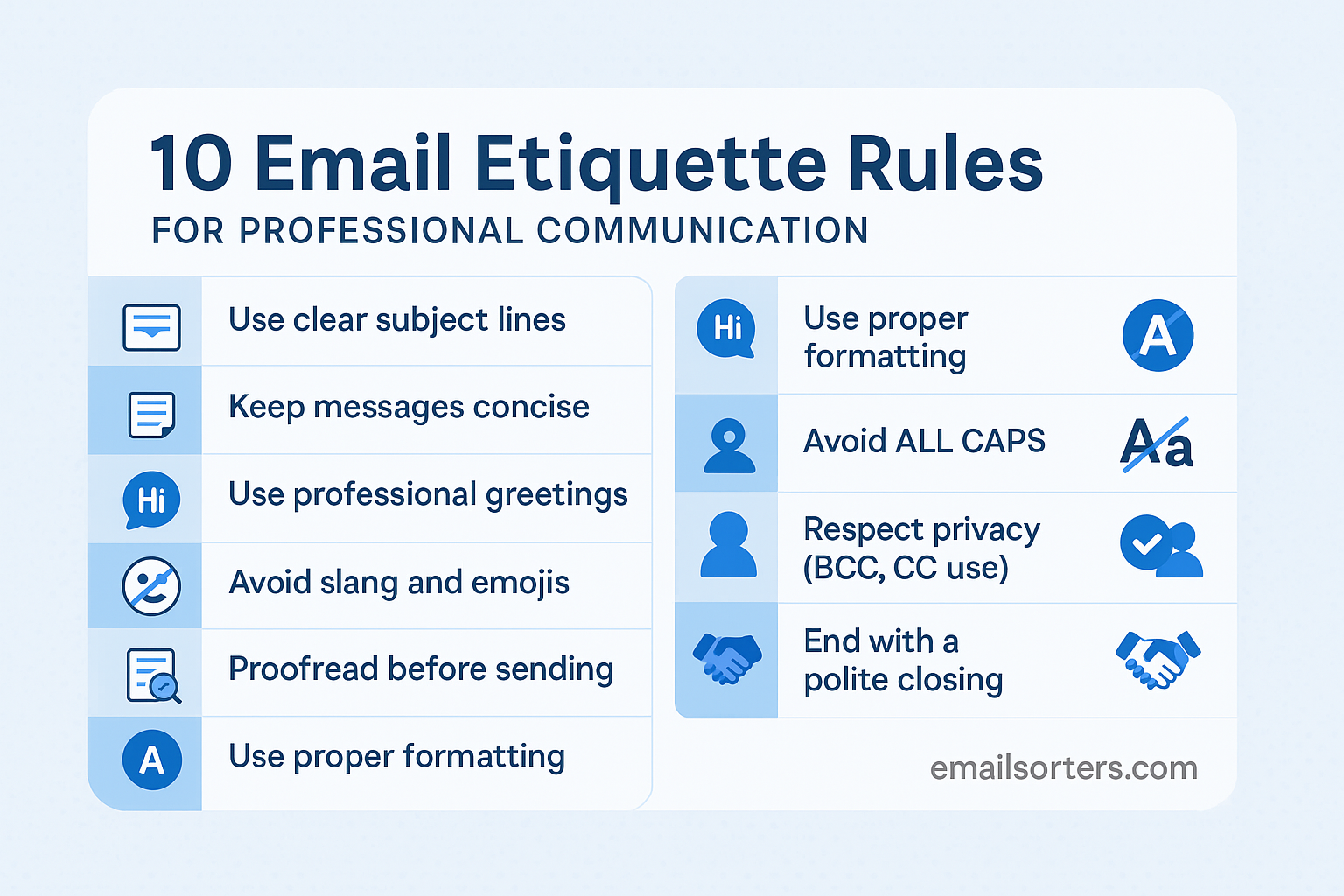
Email is still the most widely used form of communication in business. It’s how we ask questions, share updates, send files, and keep projects moving. But just typing a message and hitting “send” doesn’t guarantee success. How you write your emails affects how people see you—and how they respond to you. That’s why email etiquette matters.
Whether you’re writing to a manager, coworker, client, or recruiter, a professional tone and clear message go a long way. Poorly written emails can cause confusion, delay responses, or even damage your reputation. On the flip side, a well-crafted email can boost your credibility and open doors.
Let’s explore the 10 most important email etiquette rules every working professional should follow.
Why Email Etiquette Matters in Professional Settings
First Impressions Happen in the Inbox
Before you meet someone in person, they often see your name in their inbox. Your subject line, greeting, grammar, and tone set the stage. A confusing or sloppy message might leave the wrong impression. On the other hand, a clean, thoughtful email builds trust. It says, “I take this seriously.”
In many cases, you won’t get a second chance. So make the first message count. Use the right tone, choose your words carefully, and make sure your message looks polished. That one email could influence how someone views you from that point forward.
Mistakes Can Affect Credibility
Simple errors—like spelling names wrong or using the wrong tone—can hurt your image. A message full of typos might make you seem careless. Using casual or unclear language might make you seem unprofessional.
People judge emails quickly. They decide in seconds whether to reply or ignore them. If your email seems rushed or sloppy, the reader may think the same about your work.
Even small errors can raise red flags. That’s why reviewing your email before sending it is a must. Think of it as putting your best foot forward.
Email Reflects Your Professional Image
Your emails are a written record of how you communicate. If your messages are always clear, polite, and respectful, people will trust you more. They’ll be more likely to respond quickly and positively.
On the other hand, poor email habits—like forgetting to reply, using all caps, or writing vague messages—can cause problems. They may lead to missed deadlines or misunderstandings.
Professional email etiquette builds trust and shows that you value others’ time. It’s one of the simplest ways to stand out in any job or business setting.
Rule 1: Use a Clear and Relevant Subject Line
Helps Recipients Understand the Purpose
Your subject line is the first thing the reader sees. A strong one helps them know what your email is about right away. It should be specific, short, and tied to the message inside.
Bad: “Question”
Good: “Question About Thursday’s Marketing Meeting”
If the reader has hundreds of emails, a good subject line can help yours get noticed. It also makes it easier to search for later.
Avoid vague phrases like “Important” or “FYI.” They don’t tell the reader what to expect. A clear subject line sets the tone and purpose of your message instantly.
Increases Chances of Getting a Response
People are more likely to open and respond to emails that tell them exactly what to expect. If your subject line says “Budget Review for Q3 – Your Input Needed,” the reader knows what you want and why they should read it.
This helps avoid miscommunication and saves time. If the subject is clear, the reader can prioritize it properly. That’s especially helpful in fast-paced or high-volume work environments.
Also, if you’re emailing someone you don’t know well, a direct subject line builds credibility. It shows you value clarity and purpose.
Rule 2: Start with a Proper Greeting
Address the Recipient by Name
Using someone’s name is more than polite—it shows respect. Starting your email with “Hi Sarah” or “Good morning, Mr. Patel” adds a personal touch. It makes your message feel thoughtful, not automated.
When possible, use the recipient’s first name. If you’re writing to someone in a formal position (like a client or senior leader), a title like “Dear Dr. Lee” may be more appropriate.
Avoid greetings like “Hey” or “Yo.” These are too casual for most business emails. Stick to “Hi,” “Hello,” or “Dear” depending on the formality of the situation.
Avoid Generic or Informal Openers
Skip openers like “To whom it may concern” unless you truly don’t know the name of the person. That phrase feels cold and outdated. It can also make the reader feel like they were just one of many.
If you don’t know the name but know the department, try “Dear Hiring Manager” or “Hello Finance Team.” It’s still a bit more specific.
How you open an email sets the tone for the rest. A good greeting builds respect and engagement. A poor one may turn the reader off before they get past the first line.
Rule 3: Keep Your Message Concise and to the Point
Avoid Overloading with Irrelevant Details
Stick to the main idea. If you’re requesting something, ask clearly. If you’re sharing info, summarize it. Extra details that don’t add value can confuse the reader or distract from your point.
Use bullet points or numbered lists if you have multiple items. This keeps things organized and easier to scan. Don’t force the reader to dig through a wall of text to find what you’re saying.
Busy professionals don’t have time for long, winding messages. Respect their time by writing clean, to-the-point emails.
Use Short Paragraphs for Readability
Break your email into chunks. Each paragraph should cover one idea. This makes your message easier to scan and digest. Big blocks of text are hard to read and often ignored.
Example layout:
- Opening line or greeting
- Why you’re writing
- Key information or question
- Closing or next steps
This simple structure works for nearly every business email. It keeps your writing clear and helps the reader respond more easily.
Rule 4: Use Professional Language and Tone
Avoid Slang and Casual Phrases
Business emails should sound respectful and clear. That means leaving out slang like “LOL,” “BTW,” or “u guys.” These might be fine in a text to a friend, but not in a workplace message. Even small phrases like “no worries” or “gotcha” can feel too casual, especially if you don’t know the person well.
Use standard words that fit the topic. For example, instead of “Shoot me a file,” say “Please send the file when you can.” It’s more neutral and professional. Every message you send represents your judgment. Using informal language can make people question that judgment.
Maintain a Respectful Tone
Tone is how your message sounds—even if the reader can’t hear you. Be polite and positive, even when giving feedback or raising concerns. Avoid sounding harsh, passive-aggressive, or demanding.
Instead of saying, “You didn’t send me the document,” say, “I noticed the document wasn’t attached—could you please send it?” It’s a small change, but it helps maintain good working relationships.
If you’re upset or frustrated, wait before replying. Rushed emails can damage your reputation. Read your message out loud before sending it. If it sounds rude, rewrite it.
Always assume good intent. A kind tone builds trust and improves communication.
Rule 5: Check Spelling, Grammar, and Punctuation
Use Tools but Always Proofread
Spell check is useful, but it doesn’t catch everything. Sometimes the wrong word is spelled correctly. For example, “form” instead of “from.” Tools like Grammarly can help, but your eyes are still the best tool.
Before hitting send, take a minute to read your message out loud. That trick catches awkward wording, missing words, or confusing phrases. If you’re unsure about a sentence, rewrite it.
Typos can make you look careless. Clean writing shows that you pay attention to detail and respect your reader’s time.
Common Errors to Watch Out For
Watch out for these mistakes:
- Confusing “your” and “you’re”
- Mixing up “its” and “it’s”
- Using too many exclamation points
- Forgetting punctuation at the end of sentences
- Capitalizing random words
If English isn’t your first language, it’s okay to keep your writing simple. Short sentences are easier to read and harder to mess up. You don’t need to sound fancy—just clear.
One last tip: double-check names, dates, and attachments. These small details matter more than you might think.
Rule 6: Avoid All Caps and Excessive Formatting
Capital Letters Can Seem Like Shouting
Typing in ALL CAPS looks aggressive. Most people read it as yelling. Even if you’re just trying to emphasize something, it usually has the opposite effect. Instead, use clear language or mild formatting like bold or italics to highlight key points.
If you want to stress something important, try writing it in a new sentence, like this:
“Please note: the deadline is Wednesday, not Friday.”
That’s better than writing “THE DEADLINE IS WEDNESDAY!!!” which feels loud and rushed.
Bold and Italics Should Be Used Sparingly
A little formatting goes a long way. Bold is best for section headers or key action items. Italics can be useful for names of documents or small emphasis. But don’t overdo it.
Too much formatting makes the email hard to read. Stick with plain text for most of the message. Focus on writing that’s easy to follow. That’s more effective than trying to dress it up with fonts and styles.
Avoid using colored text or unusual fonts. They might look different on other devices or email apps. Stick with standard formatting to make sure your email looks the same everywhere.
Rule 7: Be Mindful of Your Email Signature
Include Essential Contact Info
Your email signature should tell people how to reach you. Include:
- Your full name
- Job title
- Company (if relevant)
- Phone number
- Email address
- LinkedIn profile (optional)
You don’t need a long quote, logo, or fancy design. Too much info can look messy. Keep it clean and easy to read.
If you’re emailing someone externally (like a client or recruiter), a complete signature adds credibility. It also saves time—recipients don’t have to search for your contact info.
Keep It Simple and Professional
Don’t use colorful fonts or big images in your signature. These can create issues when emails are forwarded or opened on different devices. Stick to plain text or simple formatting.
Example signature:
Jane Doe
Marketing Coordinator
ACME Inc.
(555) 123-4567
[email protected]
If you work in a creative field, a small splash of color or a photo may be okay. But in most industries, simple is best.
Rule 8: Reply Promptly and Clearly
Timely Responses Show Responsibility
Replying within one business day is a good rule. Even if you don’t have a full answer, a short reply like “I’m working on this and will follow up by Thursday” shows that you’re paying attention.
Delays in communication can slow down entire projects. If someone’s waiting on you to move forward, a late reply can cause frustration. Being responsive helps build trust and shows you’re dependable.
If you’re going to be away or offline for a while, use an out-of-office reply. That way, people know what to expect.
Clarify Any Questions or Concerns
Read the sender’s message carefully. If they asked three questions, answer all three. If something is unclear, say so politely and ask for more information.
Bad response: “Sounds good.”
Better: “Thanks, I’ll start working on the report. Just to clarify, do you want it by end of day Thursday or Friday?”
Clear replies avoid back-and-forth confusion. They help you and the reader stay aligned and move faster.
Rule 9: Avoid Reply All Unless Necessary
Prevent Inbox Clutter
Hitting “Reply All” when it’s not needed can overwhelm recipients with unnecessary emails. It also shows a lack of awareness. If your reply doesn’t concern everyone in the thread, just reply to the original sender.
Think before you click. Will everyone on the thread benefit from your message? If not, keep it to the main person involved.
For instance, if your team lead sends a company-wide update, don’t hit “Reply All” to say “Thanks!”—a simple thank-you to them directly works better.
Protect Others’ Privacy
Replying to large groups or external clients with “Reply All” might expose emails that weren’t meant to be shared. This can create privacy concerns or cause unintended issues.
In sensitive or formal situations, replying only to the person who needs to see your message is safer. It also shows that you’re careful with communication and privacy.
As a general rule, default to replying individually unless you’re asked to keep everyone in the loop. Use good judgment.
Rule 10: Close with a Polite Sign-Off
Use Consistent and Respectful Closures
Just like your greeting matters, your sign-off also leaves an impression. Use common, professional closings like:
- Best regards
- Sincerely
- Thank you
- Kind regards
These are neutral and work for most situations. Avoid overly casual endings like “Cheers” or “Later” unless you have a casual relationship with the recipient.
Avoid abrupt endings like just signing your name with no closing. That can feel cold or rushed. A polite sign-off wraps up your message smoothly.
End on a Positive Note
Even if your email contains a correction or request, try to end positively. This keeps the tone respectful and constructive.
Examples:
- “Looking forward to your feedback.”
- “Please let me know if you need anything else.”
- “Thanks again for your support.”
Ending on a good note can soften the message and increase the chance of a warm reply.
Final Thoughts on Email Etiquette
Professional emails don’t have to be complicated, but they do require thought. Every message you send says something about how you work and how you respect others’ time. Clean formatting, proper tone, and clear wording go a long way.
Stick to the basics: use a clear subject line, address people correctly, keep your writing focused, and always review before sending. Avoid bad habits like vague language, late replies, or overuse of “Reply All.”
Whether you’re reaching out to a coworker, client, or future employer, your email should reflect your best self. Write like you want to be taken seriously—because that’s exactly what professional etiquette earns you: respect.
FAQs About Professional Email Etiquette
Q1: How long is too long to wait before replying to an email?
Ideally, respond within one business day. If you need more time, send a quick note acknowledging the message and saying when you’ll follow up.
Q2: Is it okay to use emojis in work emails?
In formal or external emails, avoid emojis. In casual team settings, a light emoji (like a smile) may be acceptable if you know your audience well.
Q3: What’s the best way to follow up if someone hasn’t replied?
Wait 2–3 business days, then send a polite follow-up message. Keep it short and remind them of the original topic or request.
Q4: Should you use read receipts in professional emails?
No, unless it’s required. Read receipts can feel invasive. If something is urgent, mark the message as such or follow up personally.
Q5: Can you send emails after business hours?
Try to send during work hours. If you write emails at night, use scheduling tools to send them in the morning. It shows respect for others’ time.


