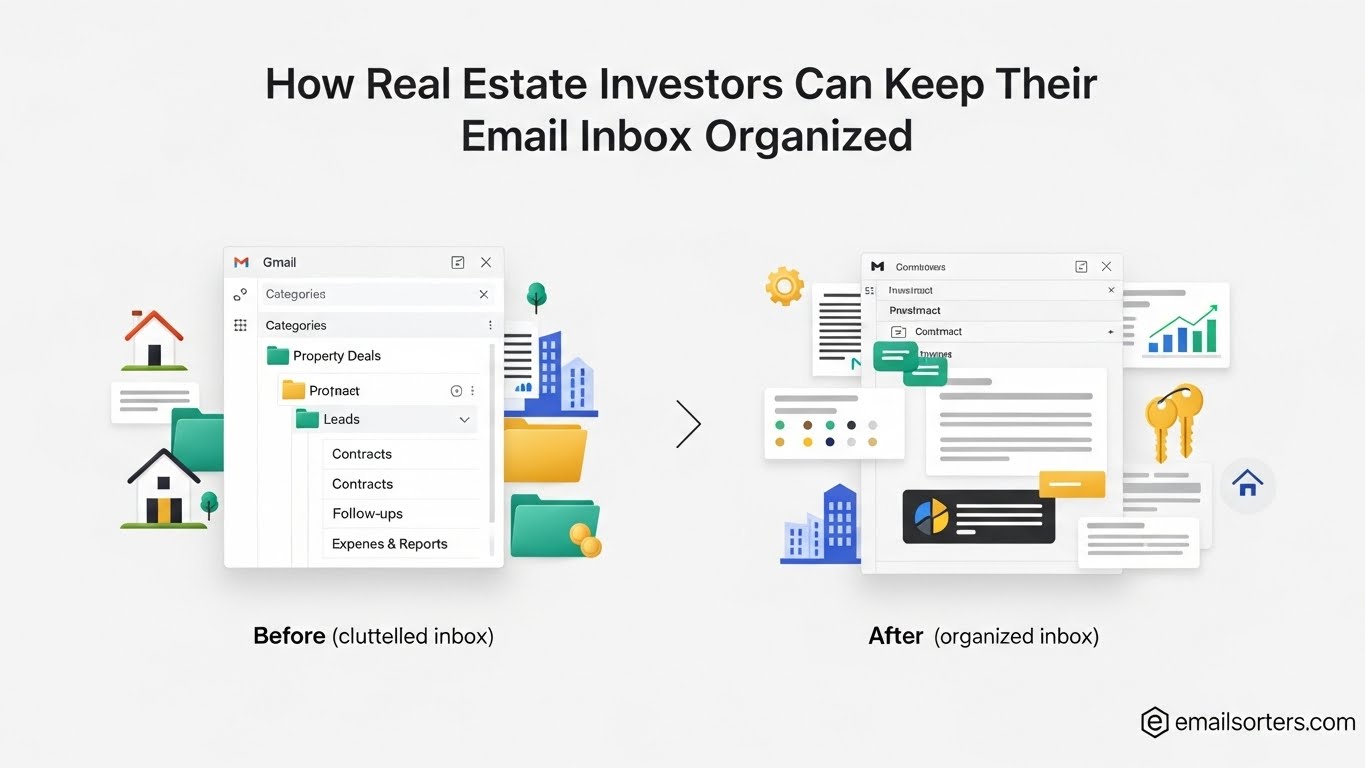
Real estate investors deal with a tremendous, constantly moving flow of information. You’re not just receiving emails, you’re receiving opportunities, risks, financial data, vendor updates, and critical documents that directly impact your ability to close deals and make money.
An organized inbox isn’t about “being tidy.”
It’s about protecting profit, responding faster than competitors, and preventing missed opportunities.
This comprehensive step-by-step guide explains exactly how real estate investors can take control of their inbox using investor-specific workflows, detailed explanations, full examples, and actionable systems.
Why Email Organization Matters for Real Estate Investors
Most real estate investors underestimate the sheer number of messages flowing into their inbox daily. Sellers, wholesalers, lenders, contractors, property managers, insurance providers, title companies, and JV partners all rely on email as their primary communication channel.
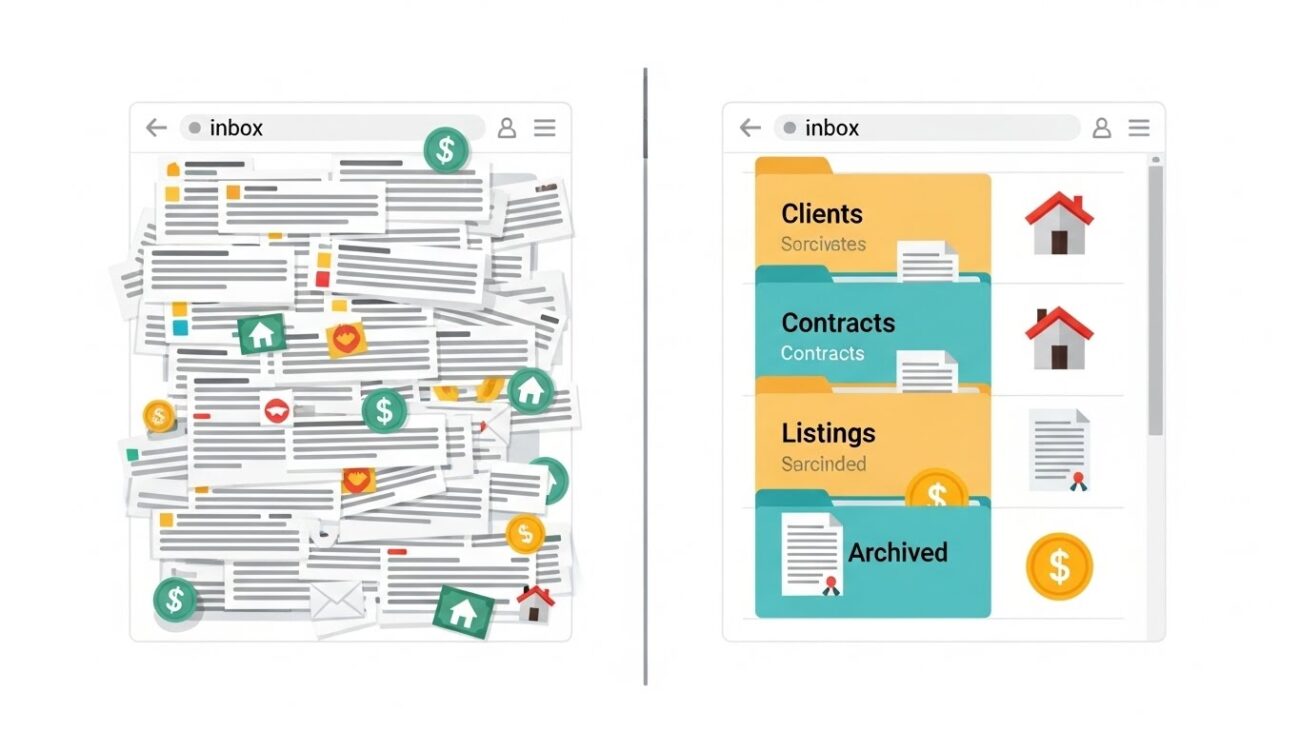
Let’s break down why email organization is directly connected to your ability to scale.
Investors Receive More Types of Emails Than Most Professions
Unlike agents, investors deal with a combination of operational, financial, and lead flow messages. These include:
• Motivated seller leads
When sellers reach out, they expect fast replies. A delayed response might result in them contacting another investor.
• Wholesaler deals & off-market opportunities
These emails often contain:
- Asking price
- ARV
- Repair estimates
- Access instructions
If you don’t see them immediately, someone else contracts the deal before you even open the message.
• Lender & underwriting emails
Private lenders and hard-money lenders frequently request documents, clarification, insurance binders, or updated budgets. Missing these slows down closings or kills the deal.
• Contractor bids & rehab updates
Investors receive scopes of work, change orders, invoices, before/after photos, and timeline updates. If these are lost in your inbox, your project stalls.
• Property management communications
Rent rolls, maintenance approvals, tenant issues, and financial statements arrive via email — often monthly or weekly.
• Title, escrow, appraisal, and attorney issues
If you miss a title request or escrow email, the entire closing timeline gets derailed.
This is why investors need an inbox system that separates income-producing emails from everything else.
How Disorganization Directly Hurts an Investor’s Business
1. Missed Deals
Wholesaler deals often move within hours. If the email isn’t surfaced immediately, you lose the opportunity.
2. Slower Response Times
Sellers take fast responders more seriously. A slow reply signals disinterest or low professionalism.
3. Lost or Misplaced Documents
Accidental oversight of underwriting documents, inspection reports, or legal contracts leads to delays.
4. Wasted Time Searching
Without structure, you spend hours trying to find attachments, addresses, threads, or PDF versions.
5. Burnout
An inbox constantly flooded with unorganized communication creates decision fatigue and mental clutter.
Benefits of an Organized Inbox for Investors
• Deals move through your pipeline faster
Responding quickly increases your chances of securing assignments, offers, and seller agreements.
• Easier to scale across multiple markets
A clean folder and automation system allows you to manage multiple cities without confusion.
• Increased confidence & clarity
You always know where deals stand, what tasks remain, and what communication needs attention.
• Better team delegation
Assistants, VAs, dispositions managers, and acquisitions teams can access information quickly when your system is structured.
Step 1 — Audit Your Current Inbox
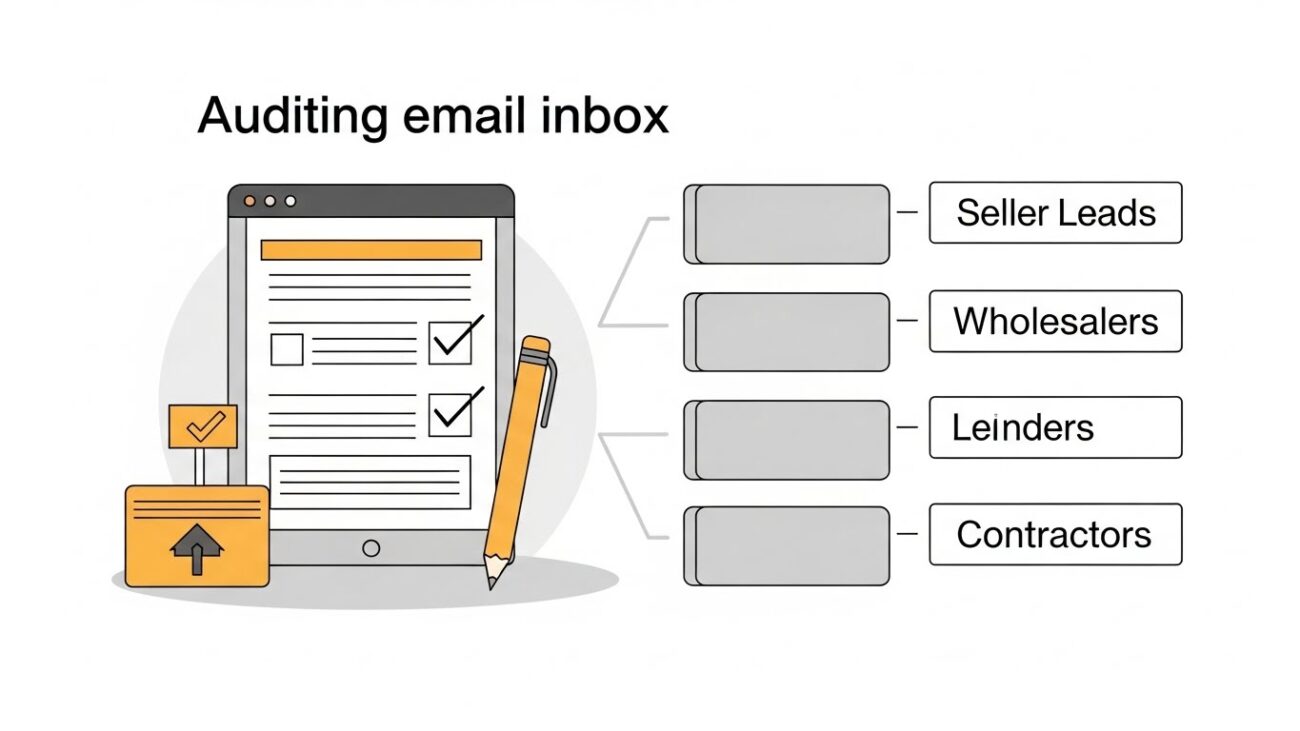
Before building a new system, you must understand your current weaknesses. An audit does not require reading every email — just assessing patterns.
Tagging Your First 150 Emails by Type
Create temporary labels (Seller Lead, Wholesaler, Lender, Contractor, etc.).
Tag 150 recent emails. You’re identifying:
- What categories dominate your inbox
- What requires fastest action
- What gets buried
- Who sends repetitive updates
- What can be automated
You will instantly see trends such as:
- “Too many wholesaler deals mixed with low-value promos.”
- “Seller leads get lost under contractor updates.”
- “Lender emails blend with newsletters.”
This clarity tells you what folders and filters you need.
Identify Bottlenecks in Your Current System
Common bottlenecks include:
• High-priority deals mixed with non-priority content
This causes missed deals and slower decision-making.
• No separation between markets
Investors operating in 2–5 cities need market-specific sorting.
• Attachment-heavy emails get lost
Inspection photos, insurance binders, appraisals, and bids need fast retrieval.
• No dedicated lead bucket
When leads hit the inbox with everything else, they get ignored.
Decide What Requires Automation
Examples:
- If you receive 30–40 wholesaler deals per week → auto-label them.
- If lenders constantly request documents → create a “Lender” filter.
- If newsletters are overwhelming your inbox → auto-archive them.
Automation should remove sorting, filing, and filtering — so you only manage decisions.
Step 2 — Build a Real Estate Investor Folder System
Investors require a pipeline-centered structure, not a customer-centered one.
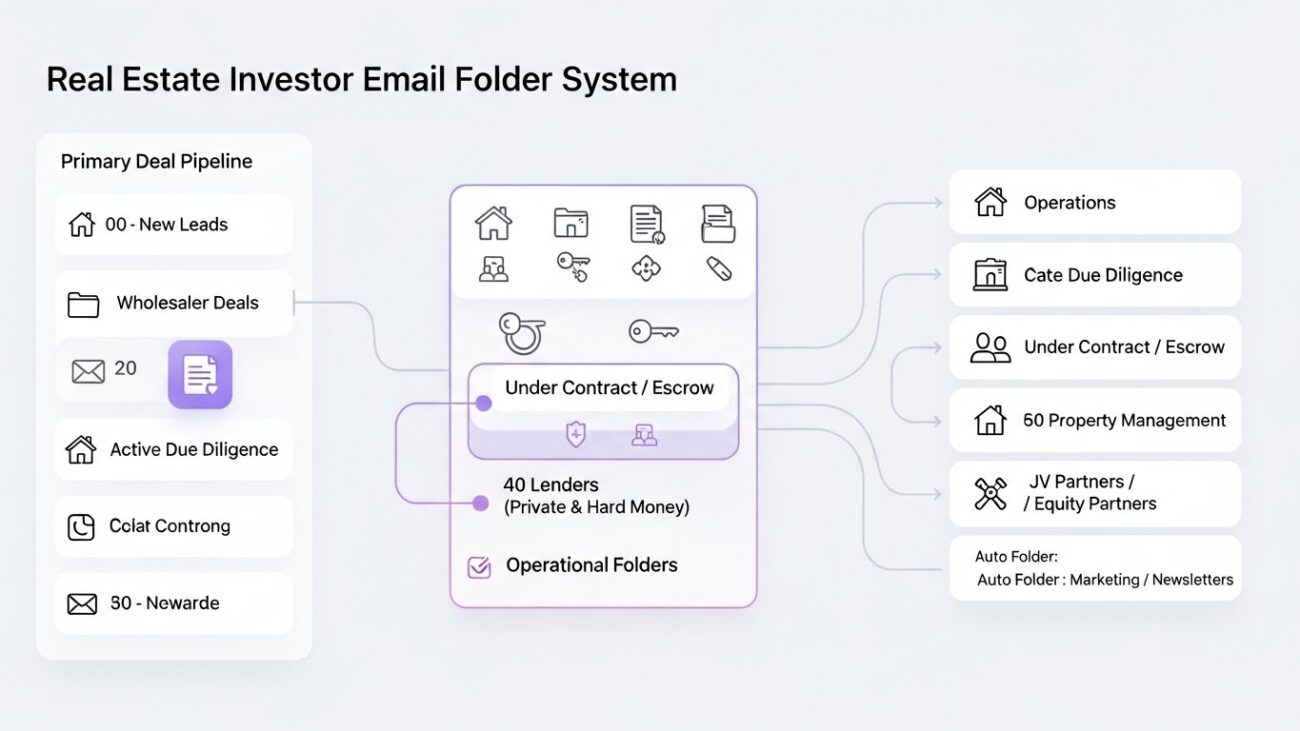
Below is a fully expanded folder system with explanations.
Primary Deal Pipeline Folders
00 – New Leads
Where every inbound seller lead goes.
Purpose: Instant visibility & fast follow-up
Contents include:
- Web forms
- PPC leads
- Social leads
- Referrals
- Cold calling follow-ups
Lead flow must never be mixed with operational tasks.
10 – Wholesaler Deals
A dedicated folder for all off-market opportunities.
Purpose: No deal goes unnoticed
You will receive:
- Assignment deals
- Investment opportunities
- Photos & ARV comps
- Asking price breakdowns
This folder becomes your “deal analysis queue.”
20 – Active Due Diligence
Once you begin analyzing a property seriously, move it here.
Contains:
- Inspection reports
- Photos
- Contractor estimates
- Comps
- Title commitments
- Notes
This folder represents deals you are actually working toward contracting.
30 – Under Contract / Escrow
Deals in escrow require precision.
This folder stores:
- Escrow instructions
- Earnest money receipts
- Title communication
- Appraisal updates
- Insurance documents
- Closing timelines
These messages are financially critical.
Operational Folders
40 – Contractors / Rehab Projects
Project management requires fast sorting.
Keep:
- Bids
- Change orders
- Invoices
- Photos
- Schedules
- Draw requests
This folder provides a timeline of rehab progress.
50 – Lenders (Private & Hard Money)
Break it into subfolders if needed:
- Pre-Underwriting
- Approved
- Funding
- Draw Requests
This is important for compliance and audits.
60 – Property Management
Contains:
- Monthly owner statements
- Maintenance reports
- Tenant issues
- Delinquency summaries
- Legal notices
This is essential for portfolio health.
70 – JV Partners / Equity Partners
Includes:
- Joint venture agreements
- Equity splits
- Investor statements
- Update reports
- Capital call schedules
This helps maintain professionalism and transparency.
Auto – Marketing / Newsletters Folder
These emails typically do not require action.
Auto-sorting keeps your inbox distraction-free while still allowing you to read important market updates when needed.
Step 3 — Automate 80% of Sorting With Filters & Rules
This is where your inbox becomes a “deal machine” instead of a burden.
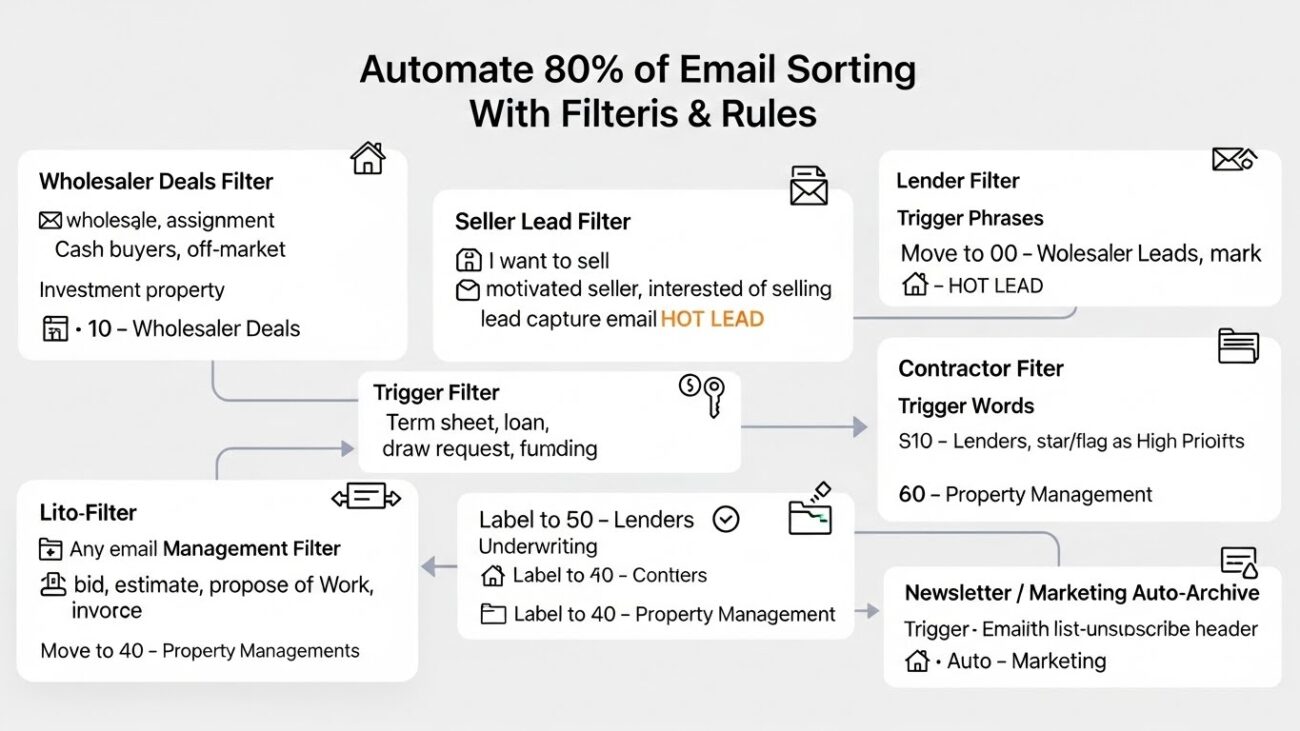
Every filter below includes a full explanation.
Wholesaler Deals Filter Explained
Trigger Words: “wholesale,” “assignment,” “cash buyers,” “off-market,” “investment property.”
Action:
Automatically label → 10 – Wholesaler Deals
Mark → Important
Why:
Wholesaler emails often contain deals, and missing them costs money. This ensures you always see them ASAP.
Seller Lead Filter Explained
Trigger phrases:
- “I want to sell”
- “motivated seller”
- “interested in selling”
- Your lead generation system email address
Action:
Move to → 00 – New Leads
Apply label → HOT LEAD
Why:
Seller leads require immediate response for maximum conversion.
Lender Filter Explained
Trigger words include:
“term sheet,” “loan,” “draw request,” “funding,” “underwriting.”
Action:
Label → 50 – Lenders
Flag/star → High Priority
Why:
Funding delays = closing delays.
Contractor Filter Expanded
Trigger words:
- “bid”
- “estimate”
- “proposal”
- “scope of work”
- “invoice”
Send to → 40 – Contractors
Why:
Contractor communication must always be accessible because it moves your rehab timeline.
Property Management Filter
Any email from your PM company → labeled 60 – Property Management
Why:
Rent rolls, maintenance requests, and tenant issues are vital for portfolio performance.
Newsletter / Marketing Auto-Archive
Anything containing a list-unsubscribe header automatically → Auto – Marketing
Why:
Prevents non-money-making emails from cluttering your workspace.
Step 4 — Apply the Investor 3-Priority System
This system speeds up decision-making.
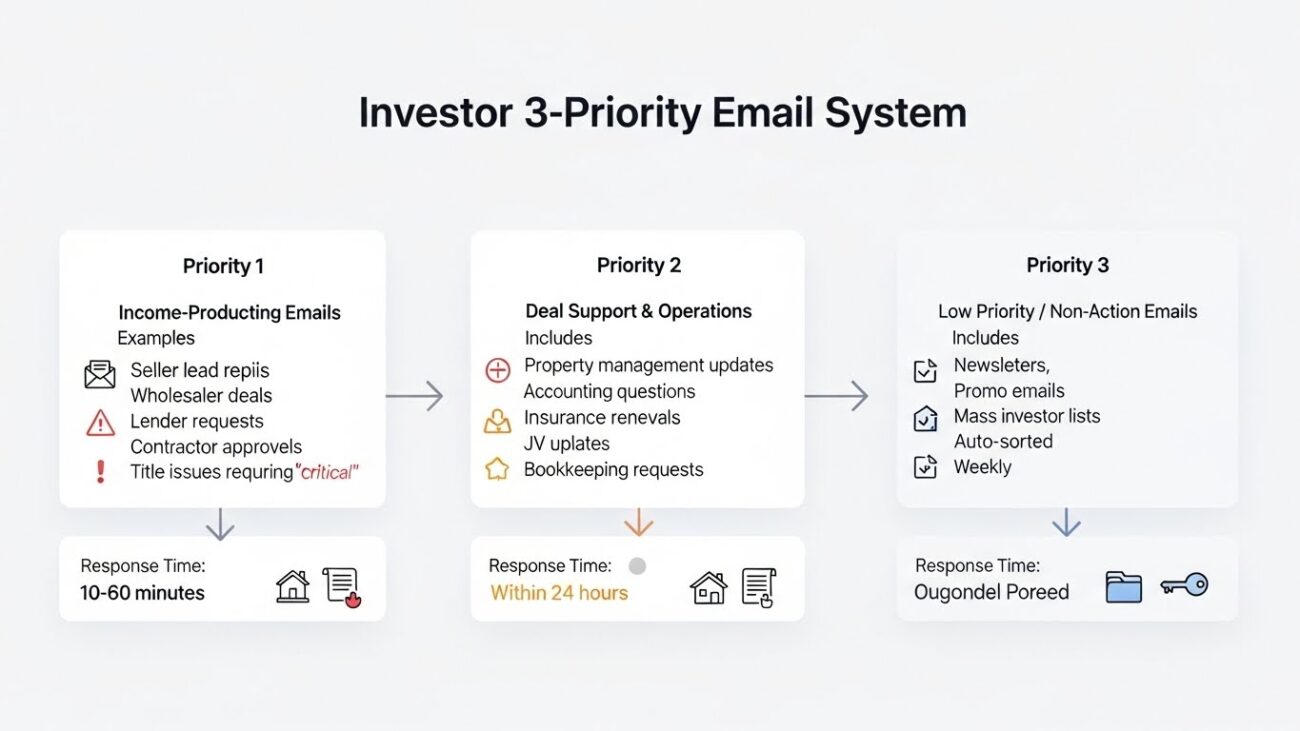
Priority 1 — Income-Producing Emails
Examples:
- Seller lead replies
- Wholesaler deals
- Lender requests
- Contractor approvals
- Title issues requiring action
Why they matter:
These directly affect your ability to secure a contract, fund a deal, or finish a project.
Respond time: Within 10–60 minutes
Priority 2 — Deal Support & Operations
Includes:
- Property management updates
- Accounting questions
- Insurance renewals
- JV updates
- Bookkeeping requests
Respond time: Within 24 hours
These tasks support your portfolio but are not urgent.
Priority 3 — Low Priority / Non-Action Emails
Includes:
- Newsletters
- Promo emails
- Mass investor lists
Respond time: Weekly
They should already be auto-sorted out of your main view.
Step 5 — Daily Email Routine for Real Estate Investors (Fully Expanded)
Consistency creates control.
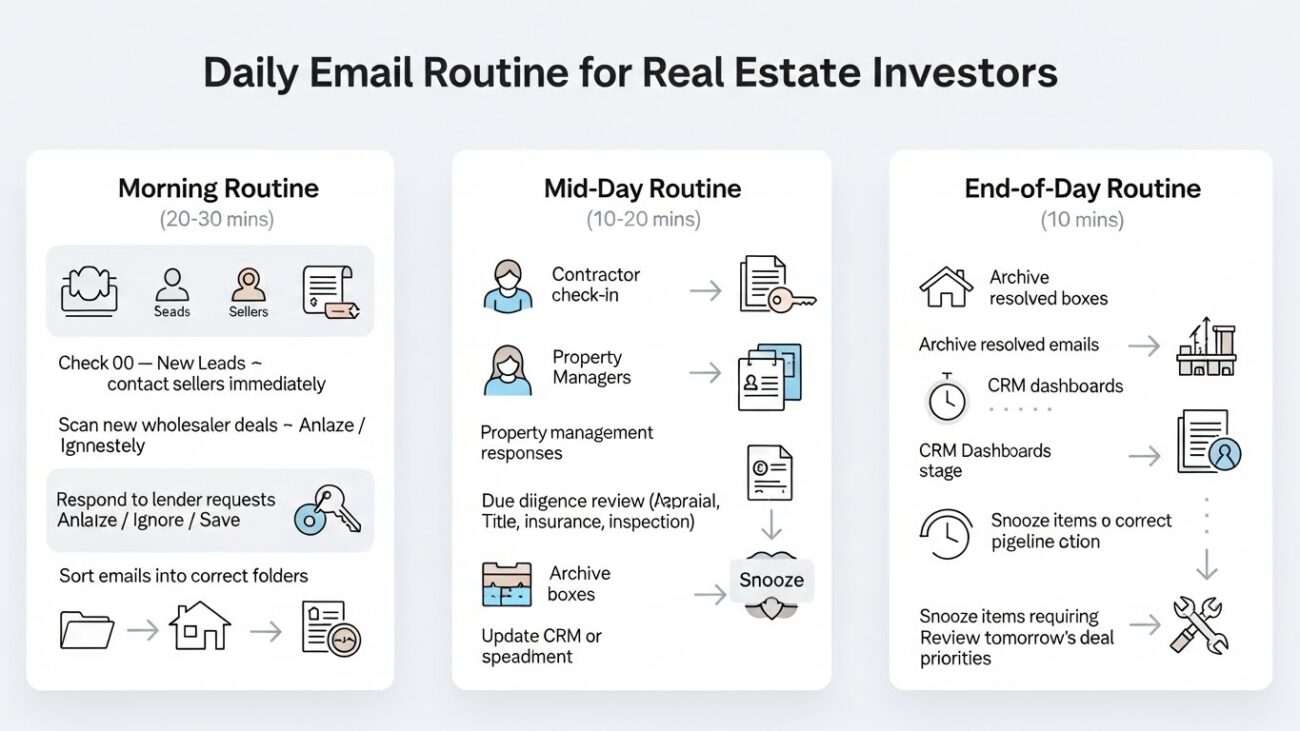
Morning Routine Explained (20–30 mins)
- Open 00 – New Leads
Contact sellers immediately — speed wins deals. - Scan new wholesaler deals
You’re simply deciding:
✔ Analyze
✘ Ignore
⟳ Save for later - Respond to lender requests
Lenders often pause underwriting until they receive documents. - Sort emails into correct folders
This prevents a backlog.
Mid-Day Routine Explained (10–20 mins)
- Contractor check-in
Approve or question updates, bids, and invoices. - Property management responses
Tenant issues require timely decisions. - Due diligence review
Check appraisal, title, insurance, inspection progress. - Update your CRM or spreadsheet
Keep your pipeline accurate.
End-of-Day Routine Explained (10 mins)
- Archive resolved emails
- Move emails into correct pipeline stage
- Snooze anything requiring future action
- Review next day’s deal priorities
Step 6 — Templates for Investors (Full Explanation)
Each template speeds up repetitive communication tasks.
Every business email should:
- Be clear
- Be short
- Create next steps
- Show professionalism
Templates reduce decision fatigue.
Step 7 — Combine Email With a CRM (Expanded Explanation)
CRM integration creates:
- Automatic lead import
- Automated follow-up sequences
- Deal stage tracking
- Team visibility
Why it matters:
A CRM prevents missed leads and keeps pipeline metrics accurate.
Step 8 — AI & Automation for Investors
AI can:
- Summarize wholesaler deals
- Extract ARV, rent, rehab budgets
- Draft reply emails
- Classify messages
- Analyze inspection reports
- Help underwrite deals faster
Automation tools trigger reminders when a seller or partner hasn’t replied.
Step 9 — Weekly Inbox Cleanup (Fully Explained)
This is not optional.
Weekly cleanup preserves the system.
Checklist Explained
• Archive old contracts
Keeps your active workspace clear.
• Close dead deals
Prevents clutter and emotional drag.
• Move documents to folders
Especially invoices, PDFs, reports.
• Clear newsletters older than 30 days
Reduces noise.
• Update CRM pipeline
Reflect new statuses.
• Merge duplicate contacts
Keeps CRM clean and efficient.
Conclusion
A real estate investor’s inbox is not just communication — it is a pipeline, a deal machine, and a financial engine.
When your inbox is structured:
- You close more deals
- You respond faster than competitors
- You make better decisions
- You reduce stress
- You scale effortlessly into new markets
This step-by-step guide gives you a complete operational system you can implement today.


